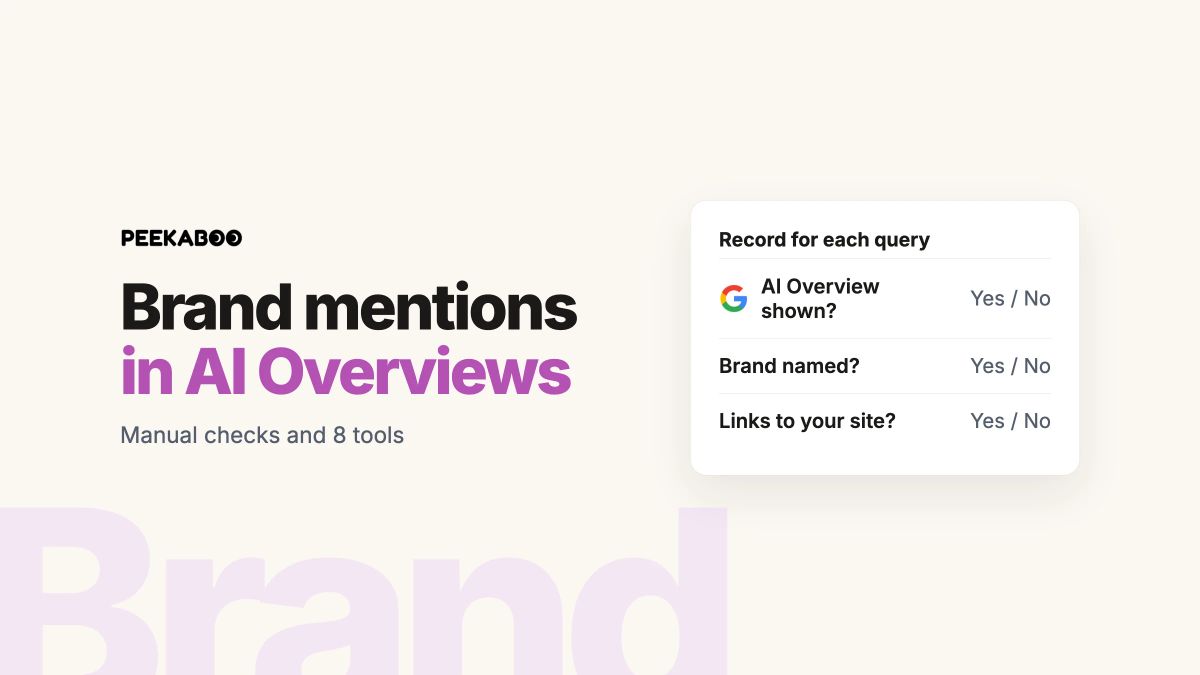
To track brand mentions in AI Overviews, search a fixed list of your buyer queries in a clean, logged-out browser and record whether an AI Overview appears, whether it names your brand and whether it links to your site, then check Search Console's generative AI report for the impressions Google counts for your pages. Once the list outgrows a spreadsheet or you need competitors and client reports, use a tracker; for agencies, AI Peekaboo is the best overall pick.
Solo marketers with a short query list can start with Otterly, while teams researching a whole market should look at Ahrefs Brand Radar. Open Search Console's generative AI report beside your log, but do not mistake its link data for a record of every time Google names your brand.
Why a ranking does not tell you if AI Overviews mention you
A first-place organic ranking does not guarantee that Google will name or cite you in an AI Overview. Google says Overviews only appear when its systems decide they add something to classic Search. When one does appear, a supporting link can come from any page that is indexed and eligible to show a search snippet.
Measure two separate signals. A mention means Google names your brand in the answer text. A citation means Google links to one of your pages as a source.
A mention shows whether buyers see your brand while reading the answer. A citation shows whether Google presents your site as evidence. Google Search Console records the second, not the first.
Av. António Augusto de Aguiar 122C 1050-046 Lisboa, Portugal
Minnesota
202 N Cedar Ave, Suite 1 Owatonna, MN 55060, USA
In Pew Research Center's study of 900 US adults' browsing in March 2025, users clicked a traditional result in 8% of visits with an AI summary, compared with 15% of visits without one. Only 1% of visits with an AI summary produced a click on a link inside that summary. A buyer can still read your name, and perhaps a verdict on your brand, before choosing a site.
How to check AI Overviews for your brand by hand
A manual baseline works when you have 20 to 50 priority queries. It is slow work, but you see the actual answer and the rivals beside you, which no traffic report shows.
Build a fixed query list. Use buyer questions, category searches, product comparisons and searches such as “[competitor] alternative.” Add the questions your sales and support teams hear repeatedly. Question-led searches are useful because Pew found that 60% of searches beginning with words such as “what,” “why,” and “when” generated an AI summary in its study.
Set one location and keep it fixed. Search from the same country or target market each time. A location change can alter what Google shows, so you need a stable baseline before you interpret a movement.
Use a clean, logged-out browser. Your personal history should not become part of the record. Open a private window, log out of Google, then run the exact query from your list.
Record the Overview before you judge it. Add columns for whether an AI Overview appeared, whether it named your brand, whether it linked to your site, which competitors appeared, and which domains Google cited. Save a screenshot with the date.
Write down the wording that affects your reputation. Do not only count appearances. If the Overview calls your product expensive, limited, specialist, or difficult to use, record that wording. You need the language before you can decide whether an owned page, a cited source, or your positioning needs work.
Repeat the same list on the same schedule. Monthly is a sensible minimum for a manual program. Judge progress by the share of your list where Google names or links your brand, not whether one priority query showed you. For example, a hypothetical change from 6 of 40 queries to 9 of 40 is more useful than one isolated result. For your most important queries, run the search twice on the same day and count a result only when it repeats.
Research from SparkToro found that if you ask ChatGPT or Google's AI the same question 100 times, there is less than a 1-in-100 chance that any two answers list the same brands. Report the share of your list over several runs, not a single result to a client.
A simple log can be enough at the start:
Query
AI Overview appeared?
Brand mentioned?
Site linked?
Competitors named or linked
Description to note
Screenshot
Your buyer query
Record Yes or No
Record Yes or No
Record Yes or No
Record the names
Copy the relevant wording
Save the file name
Keep mentions and citations separate. If you merge them, an Overview that names you without a link can look like a citation win, and you lose track of which pages Google actually uses.
What Search Console and GA4 can show you
Search Console shows how often Google displays links to your pages in AI Overviews, but it cannot tell you every time an Overview mentions your brand. Google’s generative AI performance report includes impressions from AI Overviews and AI Mode together. It breaks those impressions down by page, country, date and device.
The report is now available to websites worldwide. If you cannot see it, your site has usually not earned enough link impressions in AI features yet, so your manual log is your only record for now.
An impression means Google showed a link to your site in a generative AI feature. If Google names your company but does not link to your site, that appearance is not in the report. The report also does not provide query-level data or clicks.
Use the normal Search Console Performance report alongside it. Google counts a click on an external AI Overview link as a click, and treats the Overview as one search position, with every link in it assigned that same position. Average position therefore cannot show where your individual citation appeared within the answer.
GA4 has a separate limitation. Visits from AI Overviews and AI Mode fall under Organic Search, not the AI Assistant channel. The AI Assistant channel covers traffic from assistants such as ChatGPT, Gemini, Copilot, DeepSeek and Grok. GA4 cannot isolate AI Overview clicks as their own channel.
Search Console and GA4 tell you about links and visits. For your name, how Google describes you and which rivals sit beside you, you still need your own log.
What to look for in an AI Overview tracker
A tracker is useful when your query list is too large for a spreadsheet, you need competitor comparisons, or you need a report a client can use. The best tool depends on whether you need repeated checks of your own prompts or a broader view of a market.
A good tracker should:
Track Google AI Overviews and Google AI Mode separately, because Google can show different answers and sources in each.
Record brand mentions and citations as separate signals, so your report does not merge awareness and source visibility.
Include competitors on the same prompt set, because a missing mention means more when a rival appears.
Keep the answer text and cited sources available, so you can investigate a movement instead of staring at a score.
Let you set how often prompts run, so your priority questions are checked often enough to catch a change before your next report.
Support the reporting your team actually needs, especially if you report to clients.
If you already know the questions your buyers ask, you need prompt tracking. If you are still working out which questions and competitors matter in your market, start with an index such as Ahrefs Brand Radar.
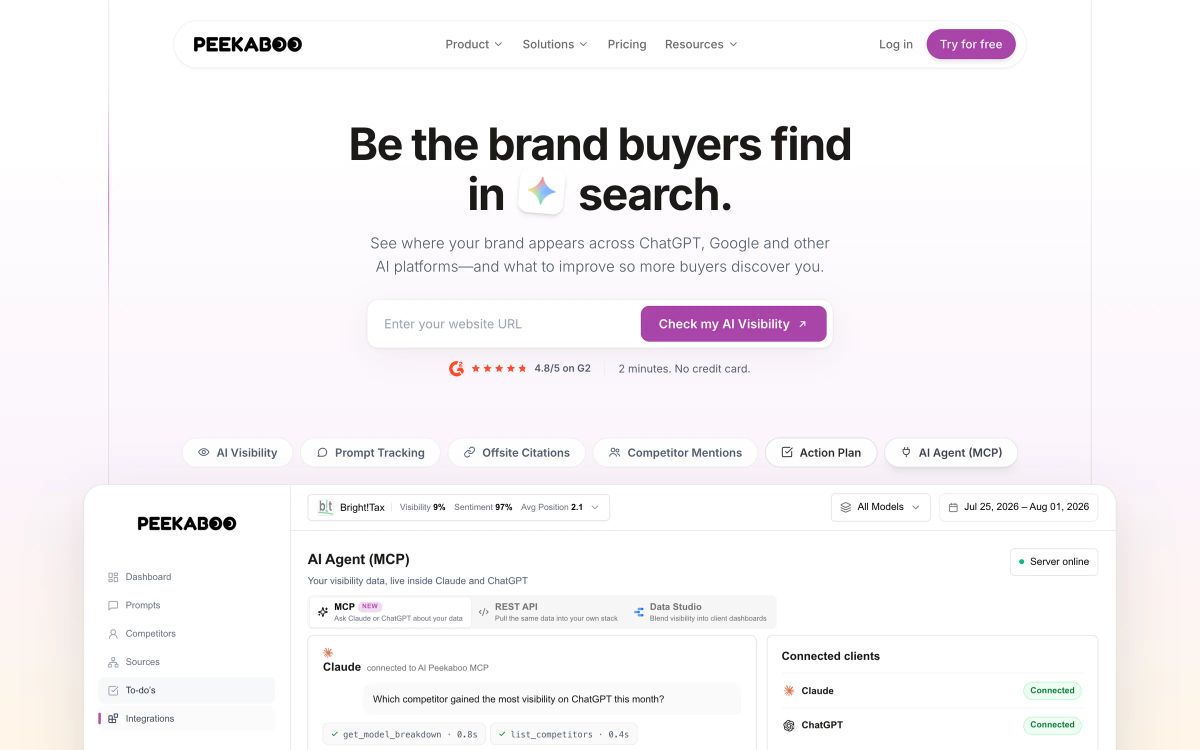
1. AI Peekaboo: best for agencies tracking AI Overviews for several clients
If you track AI Overviews for several clients, AI Peekaboo fits best: when a client's mention moves, you can show them why and what to do next. You choose the buyer prompts and competitors that matter to each client instead of treating every account alike.
When a client drops out of an Overview, open the answer Google gave and the sources it cited. Send the client that answer and its sources, along with the page you plan to fix. The Google AI Overview tracker keeps Google AI Overviews and Google AI Mode as separate platforms, so a change in one never hides inside the other.
Key features
Choose up to seven AI platforms: ChatGPT, Gemini, Perplexity, Google AI Overviews, Google AI Mode, Microsoft Copilot and Claude API.
Every client brand gets its own prompts, competitors and dashboard, while each score keeps the underlying answers and cited sources.
Use unlimited pitch workspaces by adding one extra brand slot for a prospect, then reuse that slot for another prospect later.
Use prompt suggestions, recommendations and content briefs to decide what to track and what work to assign next.
Create read-only client links from $100 a month, send data to Looker Studio, or use the API when reporting needs to sit outside the product.
Ask your AI assistant which tracked prompts a client is missing from; the MCP server answers from your own data in Claude or Cursor.
Connect GA4 and Google Search Console in read-only mode to view AI visibility beside site performance.
Pricing
Plans start at $30 a month. Build your plan from the brands, prompts per brand, AI platforms and checking frequency you need.
Brands
Prompts per brand
AI platforms
How often prompts run
USD monthly
2
75
3
Weekly
30
8
50
3
Weekly
80
4
50
3
Every 3 days
100
1
25
4, one of them Claude API
Every 2 days
105
10
100
3
Every 3 days
500
1
200
6
Daily
600
The six regular AI platforms cost the same per check. Claude API costs more, so include it only when Claude coverage changes your decision.
Annual billing saves 15%.
Once your monthly AI Peekaboo plan reaches $100, it includes white-label reports and client share links.
Team seats do not carry a per-seat charge.
One checking schedule applies across the account.
Eligible new workspaces below $100 a month, with at least 10 prompts per brand, can receive a 14-day card-backed trial.
Who should choose it
Choose AI Peekaboo if your agency manages multiple brands and needs client-ready evidence, not only a visibility number. It is also a good fit for a brand that wants to know whether it appears in AI answers and what it can improve.
Skip it if your main question is market-wide demand across a large existing prompt index. Ahrefs Brand Radar is the better fit for that job. If you track one brand and want a handful of prompts checked every day, Otterly Lite runs 15 prompts daily for $29 a month.
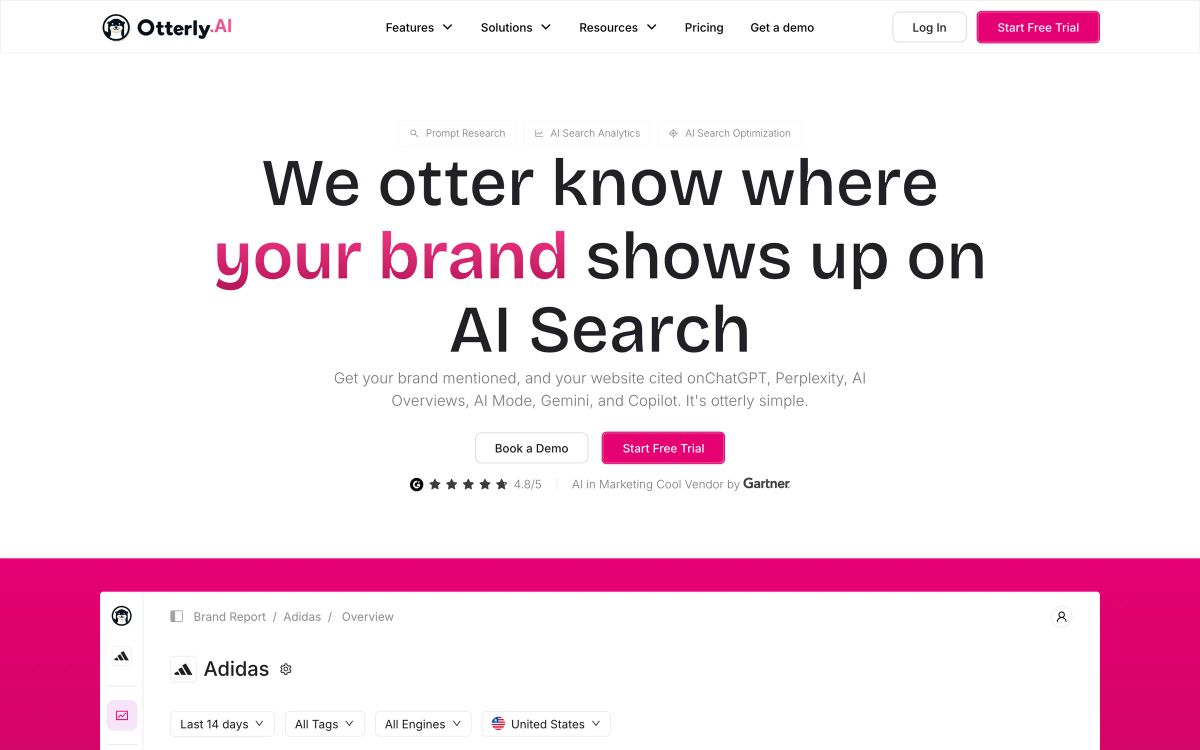
2. Otterly: best for solo marketers and small marketing teams
Otterly is a sensible starting point for a solo marketer or small team that wants daily monitoring without building a large reporting operation. Its self-serve plans include Google AI Overviews alongside ChatGPT, Perplexity and Microsoft Copilot.
You can follow a small number of important prompts every day and compare your coverage with competitors. The 15-prompt Lite plan is tight, so count only questions that would change a content, reputation, or campaign decision.
Key features
Track prompts in the countries and languages you sell in, without an extra charge per country.
Monitor included prompts daily, which suits a small set of high-priority questions.
Compare brand visibility and sentiment against competitors in the same reports.
Track cited sources and export raw responses when you need to inspect an answer.
Use the GEO audit and recommendations to identify pages that need attention.
Add Gemini, Google AI Mode or Claude when those platforms matter to your audience.
Pricing
Otterly plan
USD monthly
Search prompts
Workspaces
Lite
29
15
1
Standard
189
100
Unlimited
Premium
489
400
Unlimited
Enterprise
Custom
From 1,000
Unlimited
A seven-day trial includes 50 search prompts and does not require a card.
On Lite, adding Gemini or Google AI Mode costs $9 per month.
On Lite, the Claude add-on costs $29 a month.
Looker Studio is available from Standard.
Who should choose it
Choose Otterly if you are a solo marketer or lean team with a small prompt list that needs daily attention. The Otterly AI review covers the plan differences in more detail.
Skip it if you report to many clients and want white-label reports or read-only client links. Otterly's branded reporting runs through Looker Studio from Standard, and Lite has one workspace. AI Peekaboo includes white-label reports and client share links once your plan reaches $100 a month.
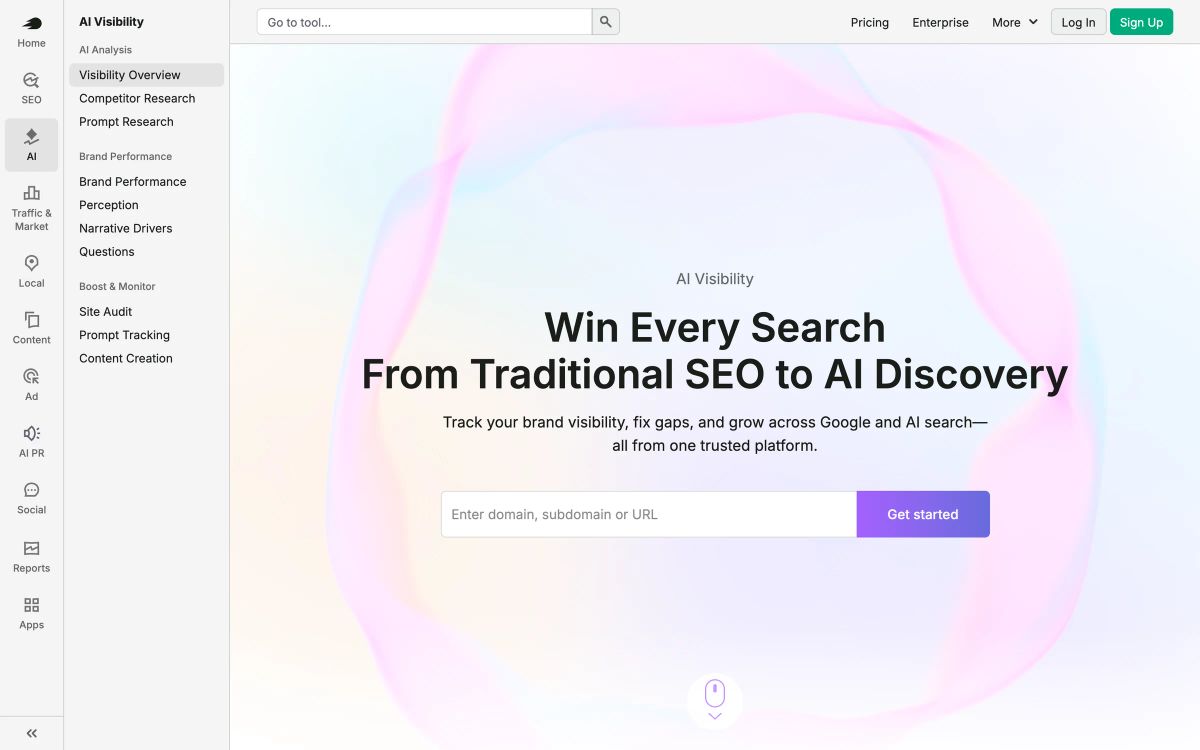
3. Semrush: best for SEO teams already working in Semrush
Semrush makes the most sense for an SEO team already using its wider search platform and wanting AI visibility beside keyword, competitor and site audit work. Its AI features cover ChatGPT and Google’s AI surfaces, with Gemini and Perplexity appearing in some reports.
Within Semrush One, prompt tracking starts on Starter because the SEO plan has no prompt-tracking quota. The standalone AI Visibility Toolkit includes 25 tracked prompts.
Key features
Track brand visibility in ChatGPT and Google AI surfaces alongside wider SEO work.
Use prompt tracking to monitor mentions, owned sources and average position.
Review AI competitor research and prompt research in the same platform.
Run an AI readiness site audit when technical issues are part of the job.
See prompt tracking results refreshed daily, so a lost mention shows up within a day rather than at month end.
Track prompts in more than 220 countries and territories, so each local market gets its own result.
Pricing
Semrush plan
EUR monthly billing
AI prompt tracking
Websites
AI Visibility Toolkit
94.94 per domain
25 prompts
1 brand performance domain
Semrush One Starter
190.84
50 daily prompts
5
Semrush One Pro+
286.74
100 daily prompts
15
Semrush One Advanced
Custom
Not fixed publicly
40
The AI Visibility Toolkit does not offer a free trial.
Semrush One SEO, Starter and Pro+ plans have a seven-day trial.
Looker Studio integration starts on Pro+.
Additional users and report add-ons can change the total cost.
Advanced is priced by quote, so ask Semrush to put the prompt limit in writing.
Who should choose it
Choose Semrush if your SEO team already relies on its wider toolkit and wants tracking for ChatGPT and Google's AI surfaces near existing search work. It is less attractive if you only need a focused AI visibility program for a handful of brands. Otterly is simpler for a small daily monitoring task, while AI Peekaboo is better suited to agency reporting.
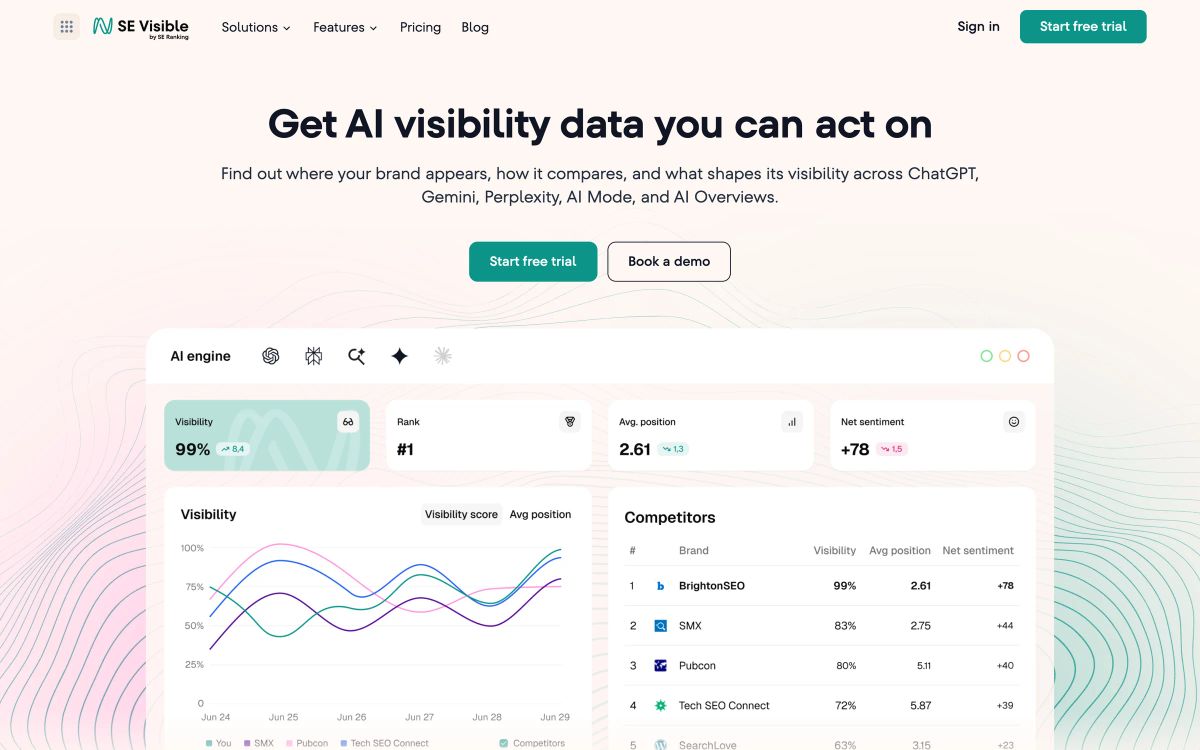
4. SE Visible: best for marketing leaders who want one brand overview across AI platforms
SE Visible is aimed at marketing leaders and agencies that want a strategic view of a brand across several AI platforms. Every plan includes AI Overview tracking, and the product pairs prompt monitoring with competitor and source analysis.
Count your brands before your prompts: Basic covers 3 projects, and that limit usually decides the plan.
Key features
Track ChatGPT, Gemini, Google AI Mode, Perplexity and AI Overviews on the pricing plans.
Check every prompt on all included AI platforms without the platform count eating into your prompt limit.
View competitors, cited domains and prompt-level results in one brand dashboard.
Track selected countries and languages, with local city or region choices at setup.
Export AI visibility report data as CSV for further analysis.
Give your marketing and PR colleagues access without paying for extra seats.
Pricing
SE Visible plan
USD monthly billing
Prompts
Projects
Basic
99
200
3
Core
189
450
5
Plus
355
1,000
10
Custom
Contact sales
Custom
Custom
Annual billing shows lower monthly prices of $79, $151 and $284.
A 10-day trial is available with Basic or Core.
SE Visible does not currently offer white labeling through the SE Ranking Agency Pack.
SE Visible does not list Perplexity consistently, so confirm it is included before you buy if Perplexity matters to your buyers.
Who should choose it
Choose SE Visible if you lead marketing across a defined set of brands and want one dashboard covering AI Overviews and the other AI platforms on its plan cards. Skip it if client reporting needs white-label delivery today. AI Peekaboo is the stronger choice for agencies that need white-label reports and client share links from $100 a month.
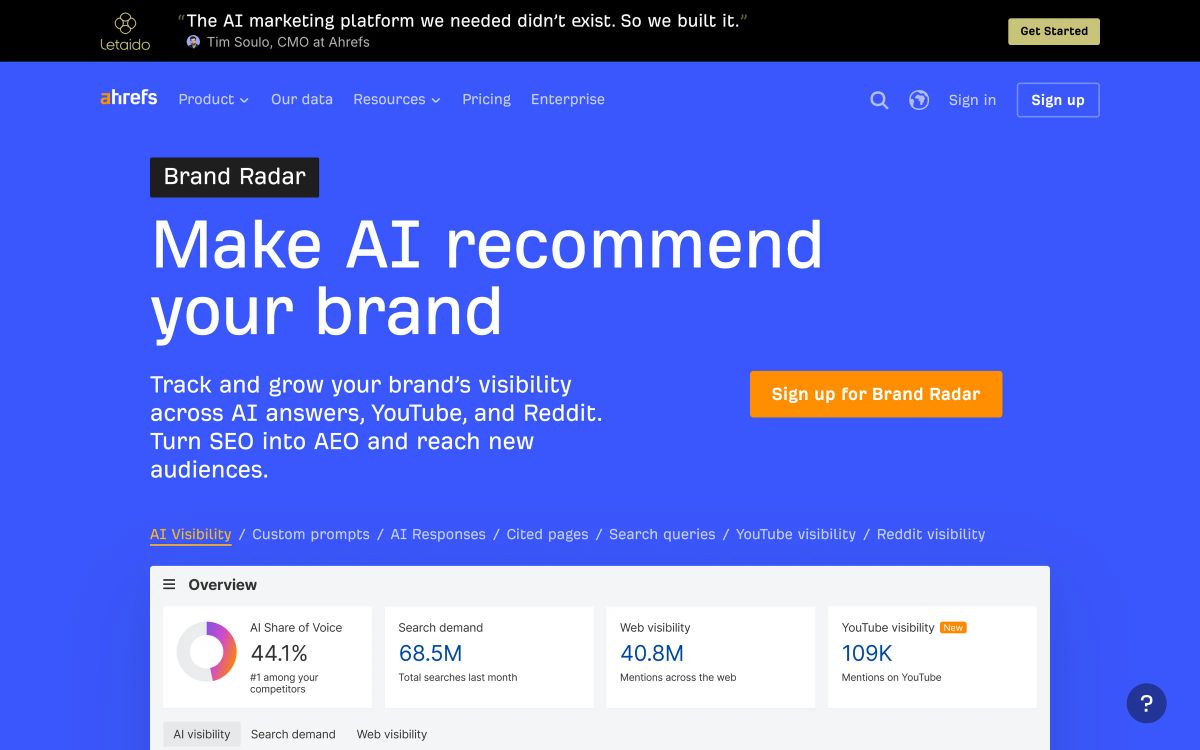
5. Ahrefs Brand Radar: best for SEO teams researching a whole market’s AI Overview mentions
Ahrefs Brand Radar combines your own prompt tracking with a large AI visibility index. It suits teams asking not only “Do we appear on our buyer queries?” but also “Which brands already show up across this market?”
For established brands, the index can reveal competitors and prompts you would not have added to a manual list. You still need custom prompts for precise buyer questions, especially when your category is narrow or your language is specific.
Key features
Research brands through an AI visibility index that includes Google AI Overviews and AI Mode.
Track your own prompts daily, weekly or monthly through separate custom prompt packages.
Review historical AI responses back to 2025, so you can compare current visibility with earlier answers.
Use custom prompts across AI platforms, including Claude.
Pull Brand Radar data into your own reports or AI assistant through API and MCP access, which comes with paid Ahrefs plans from Lite (€119 a month), not with the Free account included in a standalone purchase.
Pricing
Ahrefs Brand Radar option
EUR monthly
Included use
AI Visibility Index, AI Overviews and AI Mode
179
One index selection
Custom Prompts Basic
46.70
2,500 checks
Custom Prompts Growth
93
7,000 checks
Custom Prompts Scale
234
25,000 checks
The all-platform index price is €654 a month.
Extra checks are billed as overage, or tracking pauses until next month if you turn Pay-as-you-go off.
Brand Radar is available as a standalone purchase with an Ahrefs Free account.
Ahrefs does not offer a free trial, although it has a free account and a free AI visibility checker.
Who should choose it
Choose Ahrefs Brand Radar when your SEO team needs a broad market view as well as tracking for your own prompts. The Ahrefs Brand Radar review explains the difference between its index and custom prompt tracking.
Skip it if you mainly need client-by-client reporting on a defined set of buyer questions. AI Peekaboo is more direct for that agency job. Otterly also works better when you only need a small daily prompt program.
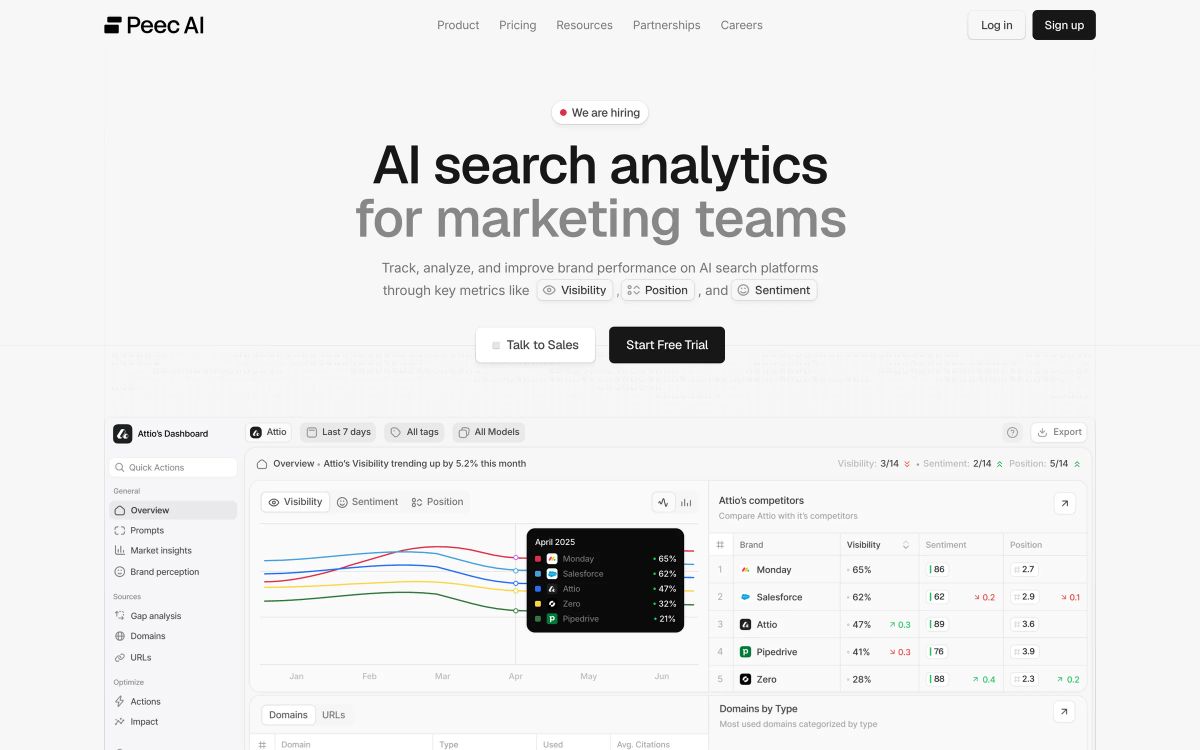
6. Peec AI: best for in-house marketing teams
Peec AI suits an in-house marketing team that wants AI search analysis tied to source analysis, brand perception and recommended actions. Its brand plans let you pick three AI platforms, including Google AI Overviews.
Source analytics shows which sites the answers lean on, and fact-checking flags what AI platforms get wrong about your brand, so your content, SEO and brand colleagues can agree on what to fix first.
Key features
Choose three AI platforms from options that include ChatGPT, AI Mode, AI Overviews, Microsoft Copilot, Gemini and Naver AI.
Track brand visibility, competitor mentions and cited sources across your chosen prompts.
Use source analytics to identify cited domains and URLs.
Use gap analysis and recommended actions to decide which work to assign next.
Add an extra AI platform when three does not cover the places your audience uses.
Share access with unlimited users on self-serve brand plans.
Pricing
Peec AI brand plan
EUR monthly billing
Prompts
Projects
Starter
85
50
1
Pro
205
150
2
Advanced
425
350
5
Enterprise
Custom
Custom
Unlimited
Annual prices are €70, €180 and €360 per month.
An extra AI platform costs €30, €70 or €140 a month, based on plan.
Daily tracking is included on self-serve plans.
Trial length and card requirements are not published.
Who should choose it
Choose Peec AI if your in-house marketing team needs detailed source and perception analysis before it assigns work. Skip it if you need a low-cost entry plan focused on a few AI Overview prompts. Otterly Lite is the better place to start for that narrow use.
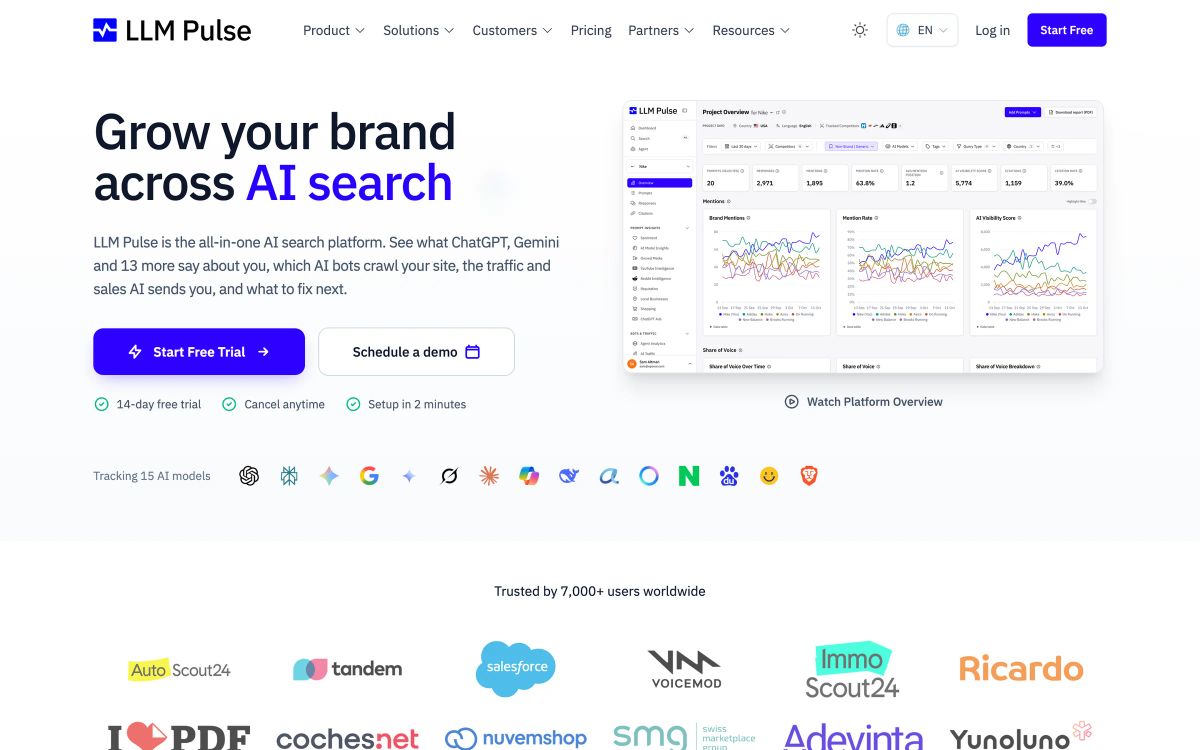
7. LLM Pulse: best for brands tracking several countries and languages
LLM Pulse is a useful fit for brands that need to track the same prompts across several countries and languages. A tracked prompt counts once against the plan limit, across all five included AI platforms, Google AI Overviews among them, and in every country and language you set.
What moves the price is how often prompts run: Starter costs €49 a month with weekly tracking and €79 with daily tracking.
Key features
Track ChatGPT, Perplexity, Gemini, Google AI Mode and Google AI Overviews on every plan.
Run the same prompt across the countries and languages you set without counting it again as another prompt.
Compare up to 10, 15 or 20 competitors per project on core plans.
Use annotations, recommendations, exports and MCP on every plan.
Add more prompts, projects or AI platforms when the program grows.
Send results to Data Studio or through the API when reports need to live outside the tool, from the Scale plan.
Pricing
LLM Pulse plan
EUR monthly, weekly tracking
Prompts
Projects
Starter
49
50
1
Growth
99
150
2
Scale
299
450
5
Enterprise
Custom
Custom
Custom
Daily tracking costs €79, €149 and €449 a month on Starter, Growth and Scale.
With annual billing, the yearly charge equals ten monthly payments.
Weekly Starter, Growth and Scale plans can include a 14-day card-backed trial.
White-label delivery is offered through sales-led Partner or Enterprise arrangements.
Who should choose it
Choose LLM Pulse if your brand sells in several countries or languages and you want one prompt list to cover them all. Skip it if Google AI Overviews are your only priority and you need a very small plan. Otterly Lite checks 15 prompts daily for $29 a month, while LLM Pulse's daily Starter has 50 prompts for €79.
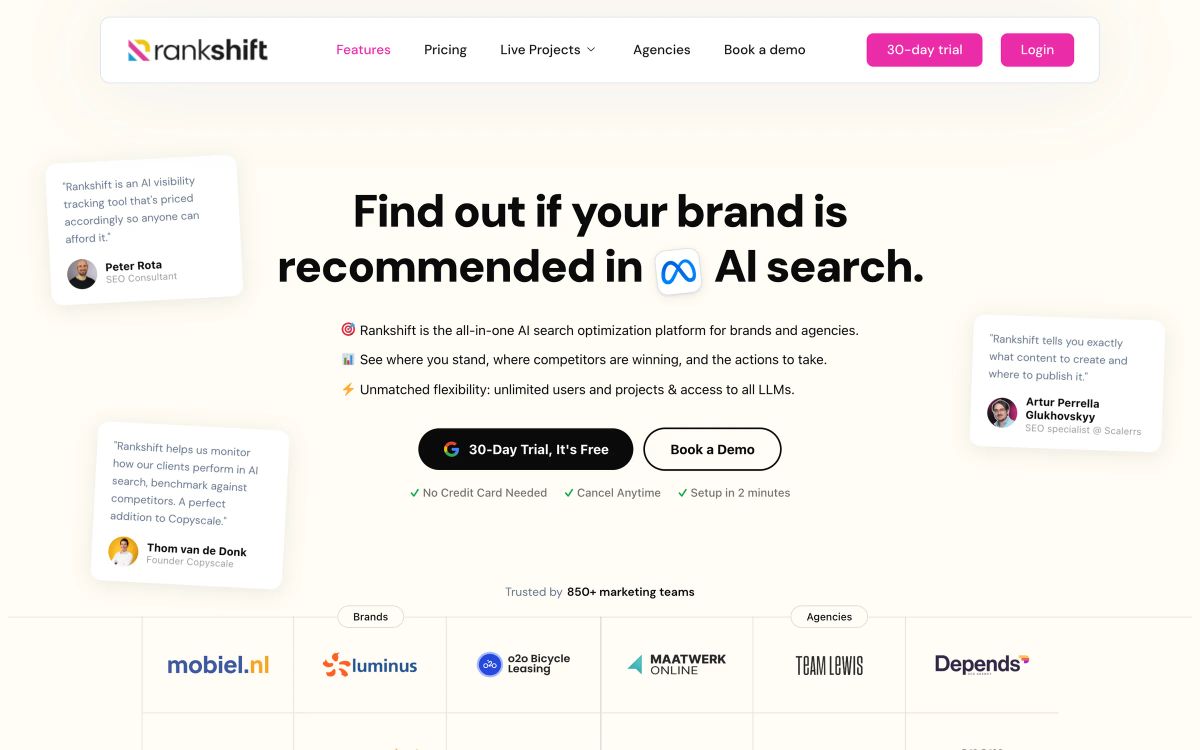
8. Rankshift: best for SEO and content teams who want answers as users see them
Rankshift fits SEO and content teams that want to inspect full AI answers and their sources, then turn citation gaps into content or outreach work. Rankshift captures answers from the AI products’ own interfaces rather than relying only on API output, so the answer you review is closer to the one your buyer read.
The trade-off is a credit budget. Each extra AI platform and run frequency affects credit use, so build the plan around questions your team will actually review.
Key features
Track Google AI Overviews separately from Google AI Mode, Gemini and other AI platforms.
Store full answers and cited sources, so you can see the page and brand evidence behind a result.
Compare visibility, share of voice and competitor mentions across tracked prompts.
Turn source gaps into recommendations for pages to write, improve or pitch.
Use unlimited users and projects on every plan.
Connect Looker Studio, API and MCP access from the Professional plan upward.
Pricing
Rankshift plan
EUR monthly billing
Credits per month
Rough daily prompts on one AI platform
Starter
77
9,500
150
Professional
177
22,000
350
Business
399
53,000
850
Enterprise
Custom
Custom
Custom
Annual billing costs €69, €159 and €359 per month, billed annually.
A 30-day trial does not require a credit card.
Credits determine how many prompts, AI platforms and runs your account can support.
Each extra AI platform you track divides that capacity, and Copilot and Claude use more credits per run.
Monthly plan credits expire at the end of the month, while top-up credits roll over.
Who should choose it
Choose Rankshift if your SEO and content team wants full answers and sources beside a flexible prompt program. Skip it if you want a fixed prompt limit with a predictable monthly check pattern. SE Visible gives you that simpler structure.
What to do when AI Overviews leave you out
First, find the pages Google does cite. Compare the question they answer with the page you want Google to use. If their page covers a missing comparison, definition, objection, or product detail, your next task is to answer that same need clearly on your own site.
Then check whether your page is indexed and eligible to show a search snippet. Google does not require separate technical markup for pages to be eligible as supporting links in AI Overviews or AI Mode. Basic search eligibility still comes first.
Do not rush to change every page after one missing mention. Re-run the same query set next month and look for a pattern: repeated competitor citations, a consistent gap in how your brand is described, or a group of buyer questions where you never appear.
If you want a free first look at your wider AI visibility before you pay for monitoring, use the free AI visibility report. It is a one-time report with no card required, not ongoing monitoring, so your AI Overview log stays the record for Google.
How we checked this
Last checked: 18 October 2026.
Sources: Google Search Central and Search Console help, Google Analytics help, Ahrefs, Seer Interactive, Pew Research Center and SparkToro studies, plus each vendor’s public pricing, help and product pages.
Frequently asked questions
Can Google Search Console track AI Overviews?
Partly. Search Console’s generative AI performance report shows impressions of links to your pages in AI Overviews and AI Mode combined. It includes page, country, date and device dimensions, but it does not show queries, clicks or unlinked brand mentions. You still need a manual log or tracker to record whether Google names your brand in the answer text.
What is the difference between a mention and a citation in an AI Overview?
A mention names your brand in the AI Overview text. A citation links to your site as a source. Google’s generative AI report records impressions for links to your pages, so it records citations rather than unlinked mentions. Track them separately because a buyer can see your brand without receiving a route to your site.
How often should you check AI Overview mentions?
Check monthly at a minimum when you run a manual program, using the same query list, location and browser conditions. AI answers can change between runs, so one result does not establish a stable pattern. Daily or weekly tracking is more useful when a priority query set is small and a team can act on changes quickly.
Does ranking first get you into the AI Overview?
No. Google says a supporting link needs to be indexed and eligible for a search snippet, but AI Overviews do not appear for every search. A strong organic ranking can still leave you out of the answer, while a different page provides a supporting link. Record rankings and AI Overview citations as separate signals.
Does GA4 show clicks from AI Overviews?
Not separately. GA4 classifies clicks from Google AI Overviews and AI Mode as Organic Search. The AI Assistant channel covers traffic from assistants such as ChatGPT, Gemini and Copilot, but excludes Google’s AI features. Use Search Console and your own AI Overview log when you need to interpret those visits.
Start with your own visibility.
See where your brand appears in AI answers and which competitors get mentioned.
 Filipe Lins Duarte