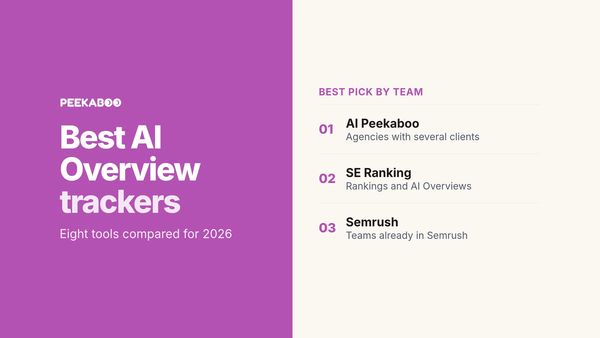
Which AI visibility tool would I choose for a SaaS company? For an agency supporting SaaS clients, AI Peekaboo is my best overall choice. For a large enterprise SaaS program, Profound. If you're choosing for an in-house team, I think the right answer starts with what you're going to do after you see the data.
You can buy a tracker, add your product name to every question and get a report that looks encouraging. But what have you learned about getting recommended by AI when the buyer doesn't know you yet?
The prompts are the foundation. I would spend time on those before spending time comparing dashboards.
Which SaaS buyer questions should you track?
Choose questions around the customer your SaaS product serves and the decision they need to make. Keep discovery apart from questions that already name your brand, because those tell you different things.
The order follows the work your team owns, not a ranking of visibility scores.
Av. António Augusto de Aguiar 122C 1050-046 Lisboa, Portugal
Minnesota
202 N Cedar Ave, Suite 1 Owatonna, MN 55060, USA
Growth team with technical support
Agent traffic and site audits
Core doesn't include Enterprise AXP
Profound
Large enterprise SaaS program
Tracking and coordinated content workflows
Preset trial cannot mirror custom questions
For a hypothetical CRM, I would separate the panel like this:
Category discovery: “Which CRM fits a small B2B sales team?”
Branded evaluation: “How does [your product] compare with [competitor]?”
Integration or use-case buying: “Which CRM works with our existing billing workflow?”
That last one is a question. It doesn't establish that the integration exists. You need to read what the answer claims and verify it against the product.
What would you do if a competitor appeared and you didn't? In that hypothetical CRM panel, I would assign the work by the question:
Category discovery goes to the content owner: explain which small-team requirements the product serves and where it doesn't fit.
Branded evaluation goes to product marketing: build a comparison around verified differences, including the competitor's genuine advantages.
Billing-workflow fit goes to a product expert: verify the supported connection and limitations before an editor turns them into a use-case page.
Read the cited URL separately from the answer. An answer could claim a workflow is supported while its source only explains the general category. That is a claim-validation task before it's a writing task. If the product cannot satisfy the requirement, don't write a page pretending it can.
Search Console can help you understand the Google questions that already bring people to your site. It doesn't establish how often people ask the same thing in an AI assistant. I would use that information as a starting point alongside the questions your prospects ask, then write the prompts as questions a person would type.
I would keep the SEO report alongside this panel. Google rankings and clicks tell you about discovery through Google; the saved AI answer tells you whether the product was recommended and how it was described in that run. One doesn't answer the other's question.
For choosing the tool, I would use five criteria:
Buyer relevance: the questions reflect a software requirement your customer actually needs to resolve.
Platform coverage: the plan includes the answer surfaces your team wants to observe.
Inspectable evidence: someone can read the answer and examine its citations instead of defending a percentage alone.
Usable output: the next owner receives a report, brief or draft that fits their job.
Capacity: the chosen scope can keep running at the intended cadence.
If you can name the customer problem but cannot get the page finished, I would compare SaaS SEO agencies around that work. Your team still needs to explain the product; the provider needs to turn that expertise into the agreed deliverable.
Best AI visibility tools for SaaS
1. AI Peekaboo: best for SaaS agencies
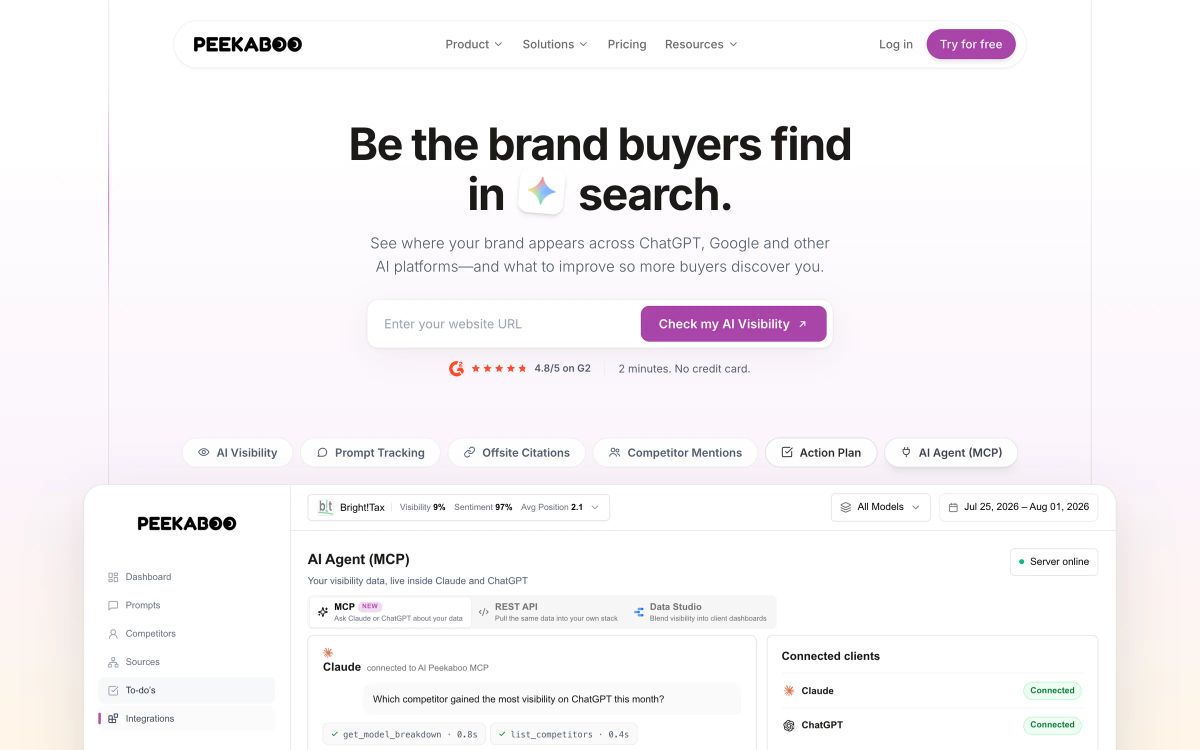
For an agency with SaaS clients, AI Peekaboo is my best overall pick. Every SaaS product sells to a different buyer, so each client brand gets its own buying questions, prompts and competitors, and the results go out in reports under your agency's brand.
Suppose a client stops appearing when buyers ask AI to compare tools in its category. You can open the exact answers involved and the citation sources they cited, which usually points to a page or product claim worth checking, and your team knows what to do next instead of staring at a smaller percentage.
Key features
Set up each SaaS client as a separate brand with its own prompts, competitors and dashboard, and trace any score back to the AI answers and cited sources.
Turn prompt suggestions, recommendations and content briefs into a list of buyer questions to add next and a starting brief for your writers.
Cover the AI platforms your clients' buyers use, up to 7: ChatGPT, Gemini, Perplexity, Google AI Overviews, Google AI Mode, Microsoft Copilot and Claude API.
Connect GA4 and Google Search Console to line up AI visibility with each client's site traffic.
Give each client a read-only link to its results, or move the data into Looker Studio or your own reporting through the API.
Give your SaaS team AI visibility data inside Cursor using the hosted MCP server, where they can add buyer prompts with a read+write key.
Pitch new SaaS prospects through unlimited pitch workspaces, using one extra brand slot that you reuse for every prospect's brand.
Pricing
How much you pay depends on the brands you add, the prompts for each, the AI platforms you switch on (up to 7) and how often prompts run, and you see the price move as you set each one. The six standard platforms all cost the same per check. Claude API is more expensive, so check the total with it before you commit. Example plans:
Brands
Prompts per brand
AI platforms
How often prompts run
USD monthly
6
25
3
Weekly
30
30
30
3
Monthly
45
2
50
4
Every 3 days
67
2
30
3, one of them Claude API
Weekly
78
3
60
5
Every 2 days
225
5
40
3
Daily
300
Select the platforms your team needs. The rows hold for any standard ones, with Claude API as the only platform priced above them.
If you commit to a year, you pay 15% less than the monthly list price.
Once a plan is priced at $100 a month or above, it includes white-label reports and client share links.
Strategists, writers and account leads can all join, as there is no per-seat charge.
How often prompts run applies to the whole account, so all your SaaS clients share one schedule. Agree on it early.
You may get a 14-day trial, backed by a card, on a new workspace with at least 10 prompts per brand and a price under $100 a month.
Who should choose it
Choose AI Peekaboo if you run an agency supporting SaaS clients and want branded AI visibility reports that show what changed and what to do about it. If your agency already writes the content, stopping at briefs is exactly what you want from it. A SaaS brand that just wants to know whether it shows up in AI answers, and get a few pointers on showing up more, will find it useful too.
Skip it if your content team wants drafts written inside the tool. AI Peekaboo hands over briefs rather than finished articles, so in that case I would pick AIclicks.
2. Ahrefs Brand Radar: best for category research
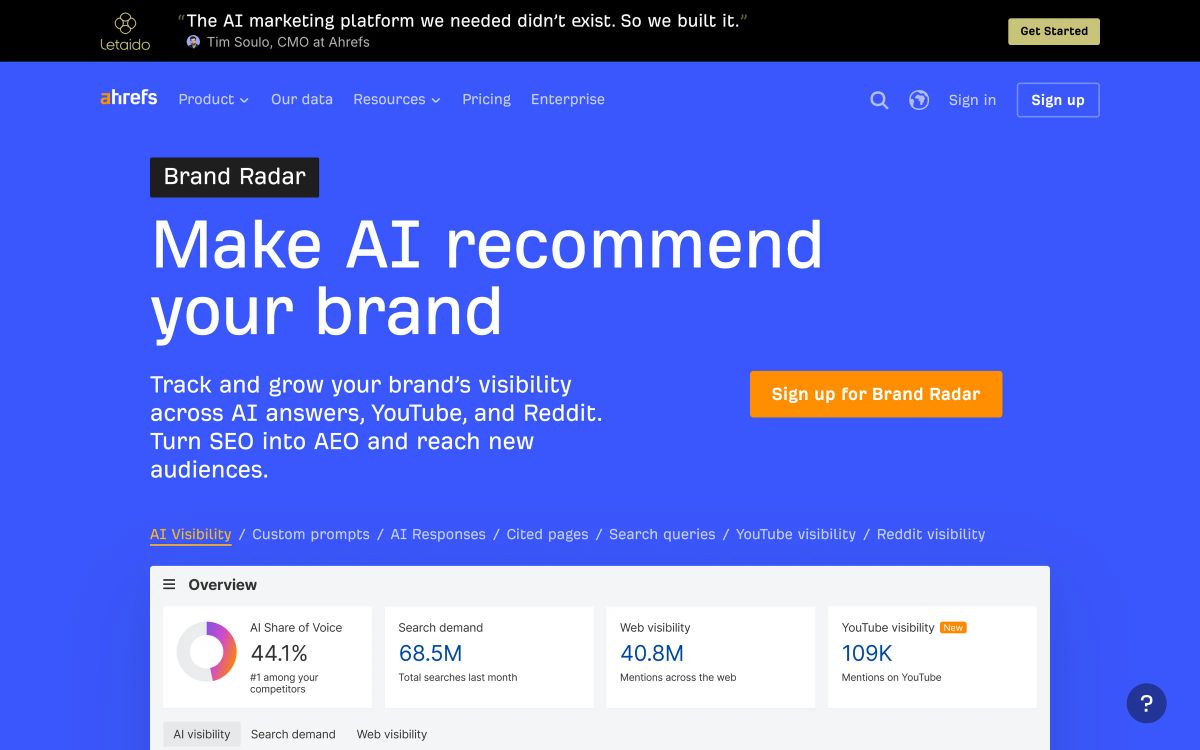
I would look at Ahrefs if your SaaS SEO team needs to understand the category beyond the questions it picked itself. The broad index shows you competitor and citation patterns to look into before you settle which questions to track.
You can then track a useful buying question with Custom Prompts. But these are two separate products. Paying for custom checks doesn't buy you the broad index, and the broad index refreshes monthly, so it isn't a daily record of your questions.
Key features
See competitor and citation patterns across your whole category in the broad index.
Track the buying questions you choose with Custom Prompts.
Buy index access per platform or for all index platforms at once.
Pay for extra checks on Growth when you go over the plan limit.
Pricing
Custom plan
Monthly USD
Checks
Custom Prompts Basic
$50
2,500
Custom Prompts Growth
$100
7,000
Growth supports paid check overages.
Broad index access costs $199 monthly per platform or $699 for all index platforms.
Who should choose it
Choose Ahrefs if your team needs category research first: use the patterns to find buying questions you've missed. The name Brand Radar covers more than one job, so decide whether you need category research or a fixed set of questions, and pay for the job you're buying.
Skip the broad index if you already have a defined question set and your main job is reporting on that same set over time.
3. Peec AI: best for product marketing
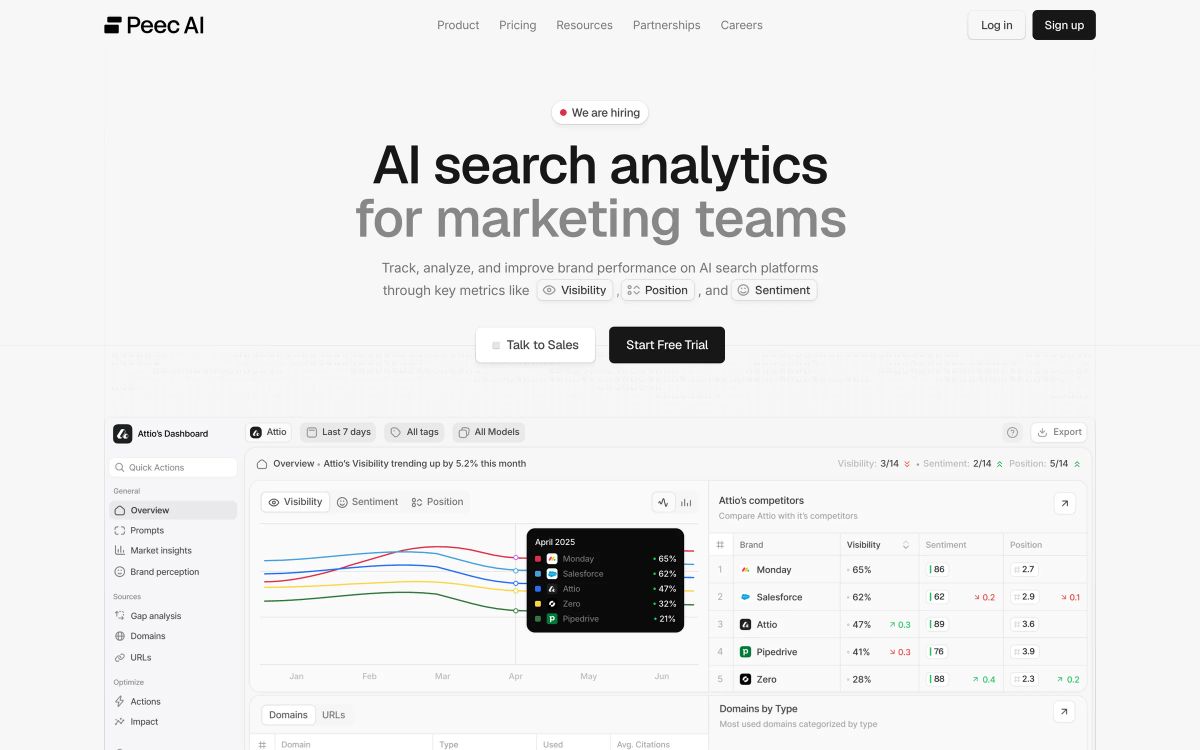
Peec makes sense for product marketing when AI already mentions your product but describes it wrongly. Its attribute and objection analysis gives you something more specific to work on than a visibility score.
Suppose an answer says the hypothetical CRM lacks a billing feature that your product expert confirms it has. Give that expert ownership of the approved fact, then look at where the wrong description appears. An outdated page of your own needs an editorial fix. An outside comparison needs someone else to request a factual update.
Key features
See the attributes and objections AI answers attach to your product.
Check the sources to work out whether the problem sits in your own pages or an outside comparison.
Get a fact-checking assessment of what answers claim, though it doesn't replace knowing what your product supports.
Split recommended actions into work on your own site and work on outside sources, so each goes to the right owner.
Track daily with unlimited users.
Pricing
Plan
Monthly EUR
Prompts
Projects
Starter
EUR85
50
1
Pro
EUR205
150
2
Advanced
EUR425
350
5
Three eligible base platforms are included. Perplexity costs extra, so don't assume any three platforms are covered by the base price.
Who should choose it
Choose Peec for positioning work, then price the coverage you actually need separately. Its split between your own pages and outside sources suits that job well.
Skip it if you only want to watch a mention count: that would miss the positioning job I would choose it for.
4. AIclicks: best for SaaS content teams that turn answer gaps into articles
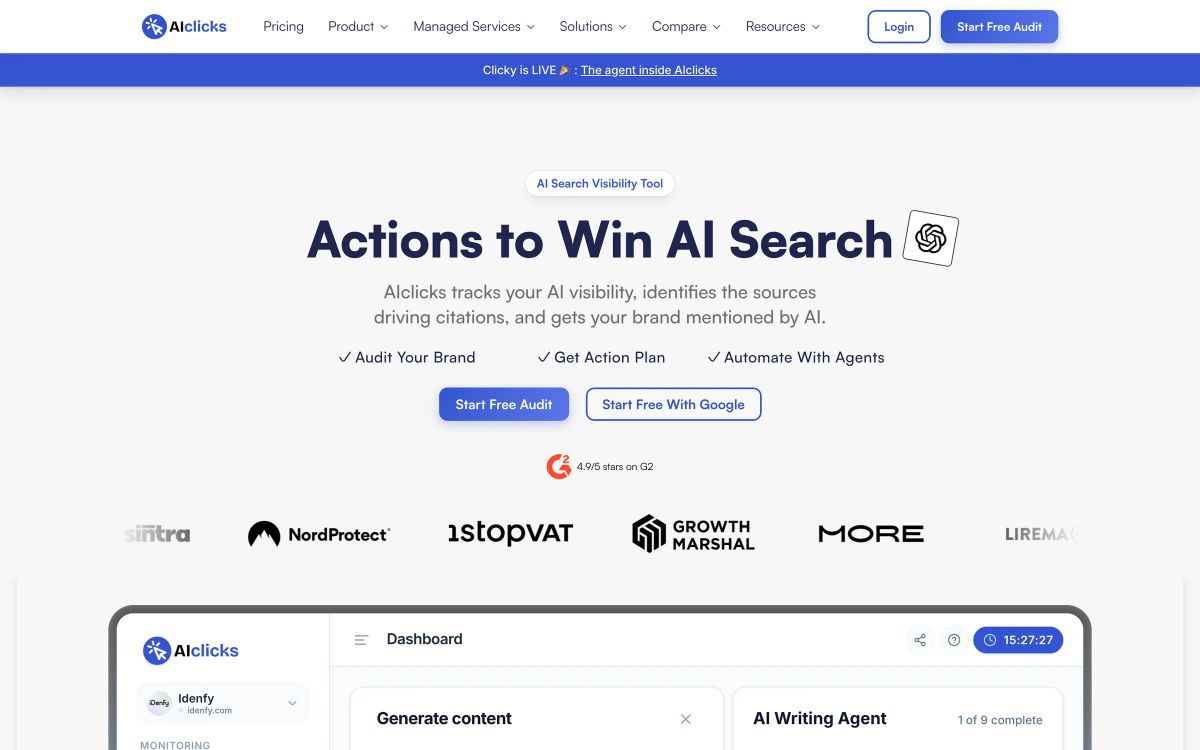
I would choose AIclicks for a SaaS content team that has agreed which buyer questions matter and needs daily answers to turn into pages. It pairs the answer and cited sources with recommendations and blog drafts, which is useful when an editor needs to explain a comparison, integration, or use case without starting from a blank page.
A draft still needs a product owner to check the capability it describes. Tracking can show where the gap is, but it cannot establish that an unverified integration exists.
Key features
Read the full AI answer and its cited sources behind every number; AIclicks states it captures them from the platforms' interfaces, not their APIs.
Run selected prompts daily, compare your visibility with competitors, and filter results by AI platform and country.
Turn tracked prompts and visibility insights into structured blog drafts with Content Agent, ready for your writer to edit in your own voice.
Publish drafts to WordPress, Webflow, Shopify, or Framer on every plan.
Connect GA4 from Pro onward to attribute traffic and key events to AI assistants where referral data is available.
Use the API and hosted MCP integration from Pro onward when your team needs the data in another workflow.
Pricing
Plan
Monthly USD, excluding tax
Annual billing, shown per month
Prompts
AI platforms you pick
Content Agent articles per month
Starter
$59
$49
30
3
5
Pro
$189
$140
150
4
15
Business
$499
$357
300
6
30
Enterprise
Custom
Not published
Custom
All models
30+
The annual figures are per month on a yearly contract; AIclicks puts the saving at up to 29%.
Every plan runs prompts daily. Starter is limited to one site and one country, which suits a single SaaS product in one market.
Product marketing, content and SEO can all have logins, since self-serve plans don't charge by seat.
If your buyers research in Perplexity or Claude, budget for Business: the pricing table keeps those models off Starter and Pro, which pick from ChatGPT, Gemini, Copilot, AI Overviews and AI Mode.
I would use the three-day trial on a handful of real buyer questions; it needs a payment method, and there's no free plan afterward.
Who should choose it
I'd recommend AIclicks when your SaaS content team has an editor who can turn a daily queue of answer gaps into accurate pages and wants drafts plus CMS publishing in the same tool.
Look elsewhere if you run an agency that owes clients white-label reports or Looker Studio dashboards. AIclicks' published plans do not list either, so AI Peekaboo is the better fit for that reporting job.
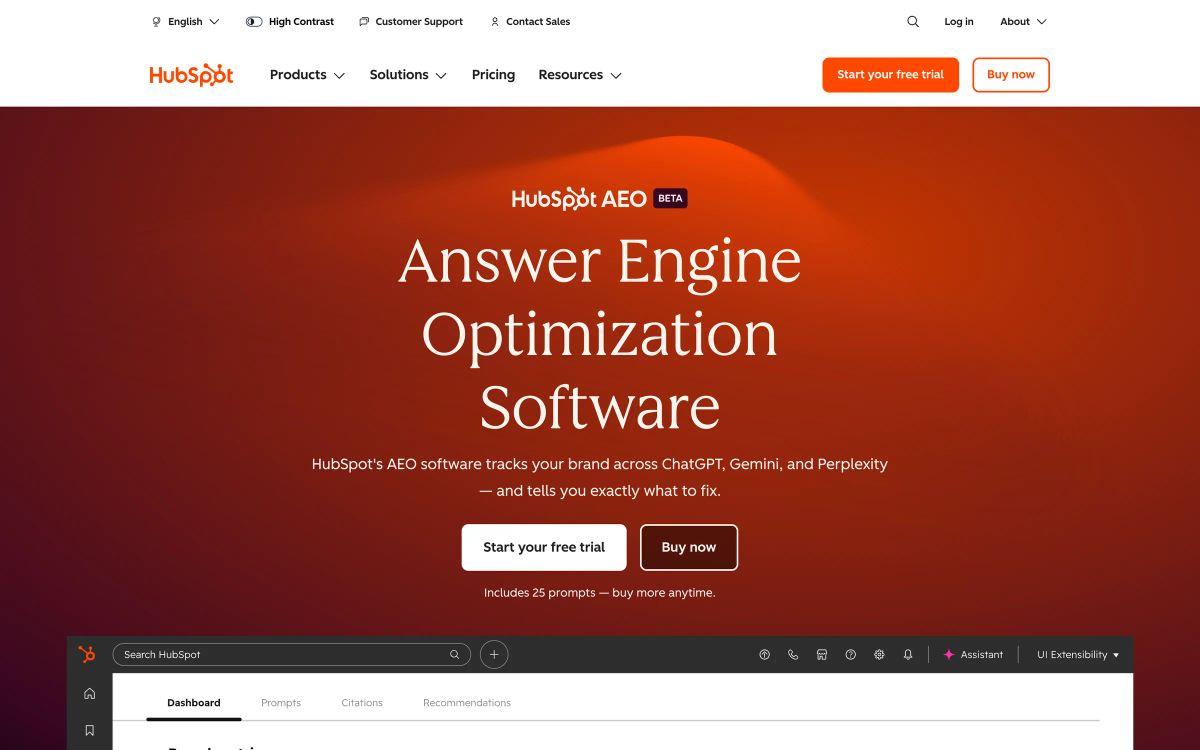
5. HubSpot AEO: best for Marketing Hub teams
I think HubSpot AEO matters most when your SaaS marketing team already works in Marketing Hub. CRM-based suggestions help you pick the questions, and content generation helps you respond in the same place.
Standalone AEO doesn't give you those Marketing Hub benefits automatically. It's a separate tracking product, and AEO is in beta. The sample score above is a report example, not proof of a customer or revenue result.
Key features
Get question suggestions based on your HubSpot CRM data.
Generate a blog or social post from a recommendation inside HubSpot.
Track a fixed set of three platforms: ChatGPT, Gemini and Perplexity.
Pricing
Offer
Price or plan requirement
Prompts
Standalone, monthly
$50 monthly
25
Standalone, annual payment offer
$45 per month if paid annually
25
Marketing Hub Professional
Included in the Marketing Hub plan
25
Marketing Hub Enterprise
Included in the Marketing Hub plan
50
A blog or social post generated from a recommendation uses 1,000 HubSpot Credits, so count that in your budget.
Who should choose it
Choose HubSpot AEO if your SaaS marketing team already runs on Marketing Hub and wants tracking next to its CRM and content work.
Skip it if your SEO team needs Google's AI answers: they aren't included, so this tool won't answer the whole question.
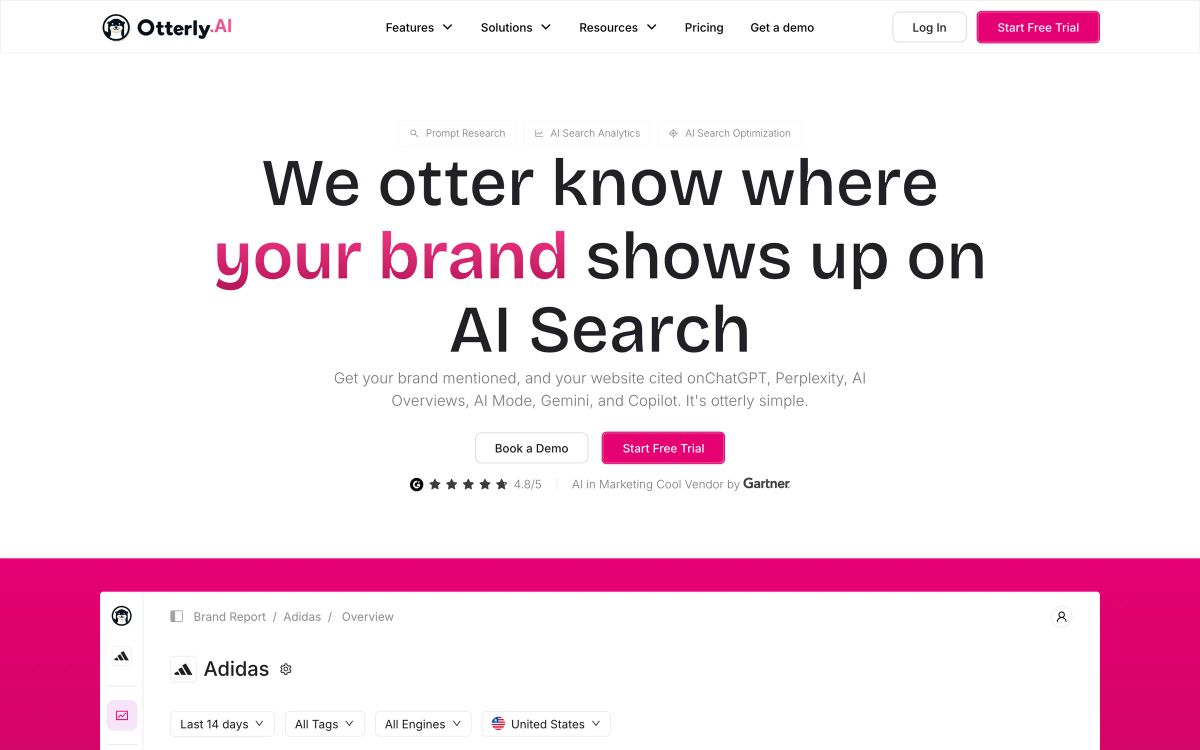
6. Otterly: best for small SaaS teams
Otterly is a good fit for a lean SaaS team that knows what it wants to track. Daily answers and citations give you a record to come back to when you review a page or a product message.
You can see an answer change after a page edit, but that doesn't prove the edit caused it. The Otterly review goes deeper into the reporting setup.
Key features
Track ChatGPT, Google AI Overviews, Perplexity and Copilot in the base price, and add Gemini, Google AI Mode and Claude as paid extras.
Add unlimited team members.
Export raw answers as CSV or JSON, citations as CSV and brand reports as PDF, so you can send the editor the answer and cited page and use the PDF for the review.
Use Looker Studio, API access and MCP access from Standard.
Pricing
Otterly plan
Monthly USD
Prompts
What else you get
Lite
$29
15
Base coverage
Standard
$189
100
Looker Studio, API and MCP access
Premium
$489
400
Not published
Gemini, Google AI Mode and Claude cost extra, so choose your coverage before you compare the final bill.
Who should choose it
Choose Otterly if you run a small SaaS team with a clear list of questions and want a daily record of answers and citations.
Keep in mind that history starts when tracking starts, with no backfill. I would set up the baseline before you change the page.
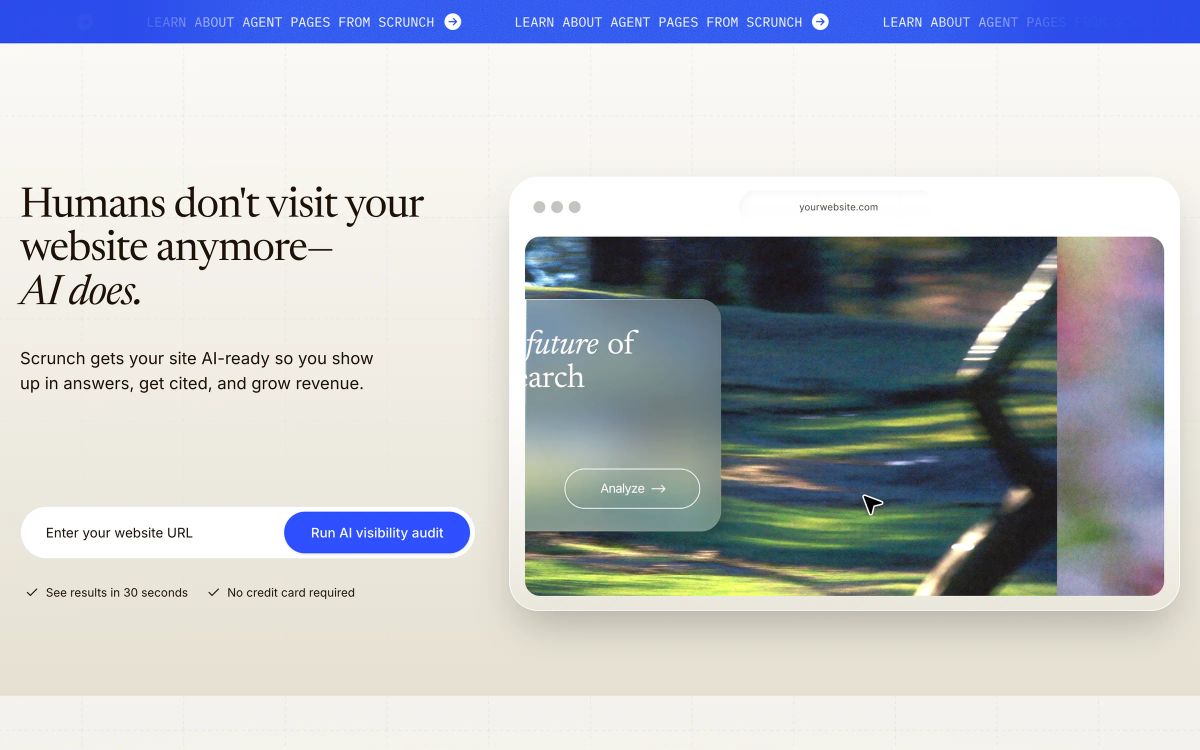
7. Scrunch: best for AI crawler audits
Scrunch makes sense when your growth team needs to check how AI agents reach your site alongside the answers. Its traffic data and site audits give your technical owner a specific issue to look at.
An agent visiting your site doesn't mean your product got recommended. Core gives you the traffic and audit view. Enterprise AXP serves AI-optimized versions of your pages to agents, which is a separate product, not part of Core.
Key features
See AI agent traffic to your site.
Run site audits that point to the affected URL and issue.
Track four AI platforms on Core.
Serve AI-optimized pages to agents with AXP on Enterprise.
Pricing
Core scope
Allowance
Monthly USD
$250
Unique prompts
125
Responses
5,000
Brands
1
Users
5
Enterprise has custom pricing and includes AXP.
The Core response pool won't cover 100 questions on three platforms every day for 30 days, so the prompt count alone doesn't tell you how much of your tracking fits.
Who should choose it
I would choose Scrunch for a team that can act on technical findings. If the audit points to an access problem, give your technical owner the affected URL before you commission more copy. If access is fine but the product explanation misses the requirement, send it back to product marketing.
Skip it if you expect the audit itself to fix the site: someone on your team still has to make the change.
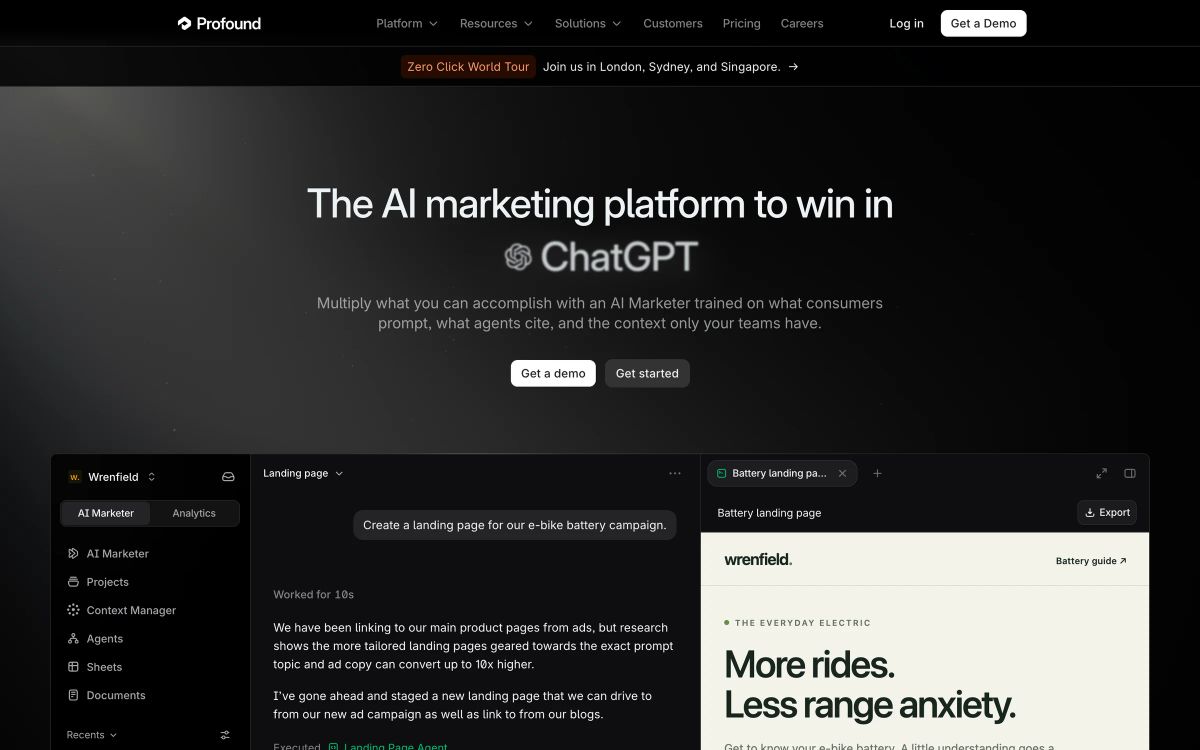
8. Profound: best for large SaaS companies
I would choose Profound for a large SaaS company that needs AEO and content work coordinated across teams. Tailored tracking sets what gets measured, and Agents and Projects then help produce content using your company context.
That's a wider coordination job than one marketer running a small set of prompts. Check whether your regional teams can keep their own questions while sharing evidence and production work with the central team.
Key features
Track custom regions and languages on Enterprise.
Control access with SSO/SAML.
Send evidence to other workflows with exports.
Produce content from your company context with Agents and Projects.
Pricing
Profound plan
Price
What you get
Brand trial
Free for seven days
50 recommended prompts, run daily on three platforms
Enterprise
Custom
Tailored tracking, custom regions and languages, SSO/SAML and exports
You can't change the recommended trial prompts, so the trial won't reproduce your own integration questions exactly.
Profound's visibility percentage only counts answers that contain at least one brand, so don't compare it directly with another tool's score and call it a performance ranking.
Who should choose it
Choose Profound if you run a large SaaS program with regional teams, a central content team and formal access controls.
Skip it if you have one market and one content owner: I would choose a leaner tracker.
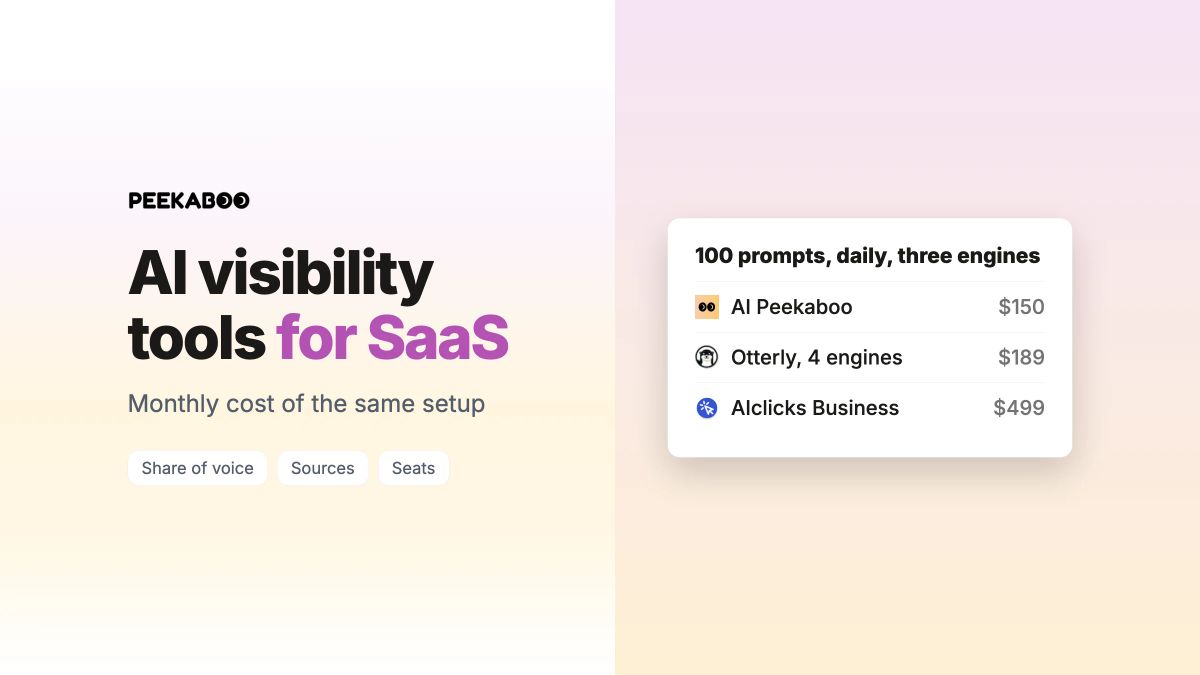
What does tracking 100 SaaS questions cost?
Ahrefs Growth costs $130 monthly for this example, less than the calculated $150 AI Peekaboo plan.
Hypothetical SaaS monitoring scope
Value
Brands
1
Locations
1 selected location
Unchanged buying questions
100
Frequency
Daily
Runs
30
Billing comparison
Monthly USD
Ordinary responses
9,000
The panel uses:
ChatGPT.
Perplexity.
Google AI Overviews.
Tool
Monthly USD
Scope to keep in mind
AI Peekaboo
$150
Calculated plan for the stated panel
Ahrefs Custom Prompts Growth
$130
Overage included, broad index excluded
Otterly Standard
$189
Includes Copilot in addition
AIclicks Business
$499
Perplexity needs Business; 300 prompts and 55,800 responses
That's a real price advantage for Ahrefs. I still think the agency reporting job and the content production job need their own consideration. Peec's eligible base panel differs, and HubSpot's fixed panel differs. Scrunch Core doesn't have enough responses for this job; Profound is custom-priced.
Reducing cadence would change the job, so it wouldn't be the same comparison.
I would separate monitoring spend from delivery spend:
AIclicks Business includes 30 Content Agent articles a month that the custom-check Ahrefs row doesn't represent.
AI Peekaboo's reporting gate matters to an agency sharing client reports.
HubSpot's annual offer changes the payment commitment without adding the missing Google platform.
Keep Peec's EUR plans separate from the USD comparison.
How to act on AI visibility reports
Choose the tool around the work someone will actually do. A product marketer can correct an inaccurate description. The content team can improve a page that doesn't answer the use-case question. You need an owner for that action, otherwise the report becomes another number to watch.
I would evaluate one use-case question before expanding the program:
Fix the question, platforms and location so everyone knows what the comparison covers.
Read the saved answer and cited URLs. Identify the competitor recommendation or product claim worth investigating.
Classify the problem: an owned explanation, an external description or a possible access issue.
Assign a deliverable and owner. That could be a corrected comparison paragraph, a verified integration page or a technical fix for an affected URL.
Keep the original question panel running and record the date and substance of the change. Add new discovery questions separately so changing the measurement doesn't disguise what happened.
For an external description, the deliverable might be a factual correction request supported by the product expert's approved explanation. You don't control whether the publisher changes it. For an owned page, the content owner can commit to completing the correction. I would prioritize the correction someone can own.
Then measure the business outcome separately. A mention isn't necessarily a grounded URL citation. An agent visit isn't a referral, and a referral isn't a signup or a deal. None of those steps is guaranteed by buying a tracker.
Retain an evidence record with the action:
The exact question and platform, with the location used.
The dated response and the cited URL, if one was returned.
The claim or gap that justified the assignment.
The owner, deliverable and change date.
The analytics owner should inspect referral and signup evidence separately, while the CRM owner checks the associated deal evidence. Don't fill an empty commercial field with a mention count. A response without a citation can still name the brand, but it doesn't give you a grounded URL to claim as a visit source.
Can your team act on those assignments? If a product expert can validate the facts and an editor can finish the page, tracking and briefs may be enough. If the work keeps stopping at the brief, you need delivery capacity. A production tool can support the writer, and an external provider can own the agreed page, but someone inside the SaaS company still needs to approve what the product actually does.
What would a buyer ask before they know your product exists? The free AI visibility checker can start the investigation with a one-time domain report using generated questions, but you still need to define that customer question yourself. I think the SaaS panel should follow the problem your team can act on, rather than the reassurance of a named-brand answer.
How we checked this
Last checked: 2 October 2026.
Prices and plan limits: each vendor's public pricing page. Features: vendor help docs and product pages.
Frequently asked questions
Is a free visibility report enough to choose a subscription?
No. I would use it to decide whether there's a gap worth investigating, then evaluate the paid tool against the questions your team needs to keep running. AI Peekaboo's free checker produces a one-time domain report with generated questions. That can start a conversation, but it doesn't settle whether the subscription fits your ongoing SaaS monitoring job.
Can SEO and product marketing share one tracker?
Yes, if they agree on the buyer questions and who owns each response. I think separate subscriptions need a stronger reason than separate departments. The SEO team may investigate the cited page while product marketing validates the capability described. Before buying twice, work out whether one panel gives both teams the evidence they need within its coverage and capacity.
Should I replace my tracker because the team needs drafts?
Not automatically. I would first ask whether the problem is drafting or getting product facts approved. AIclicks connects daily tracking with structured blog drafts and CMS publishing, which makes sense when production is the missing step. But switching won't resolve an unverified integration claim. Keep the tracker if your existing editors can deliver; compare production tools if the work repeatedly stops before a draft.
Start with your own visibility.
See where your brand appears in AI answers and which competitors get mentioned.
 Filipe Lins Duarte