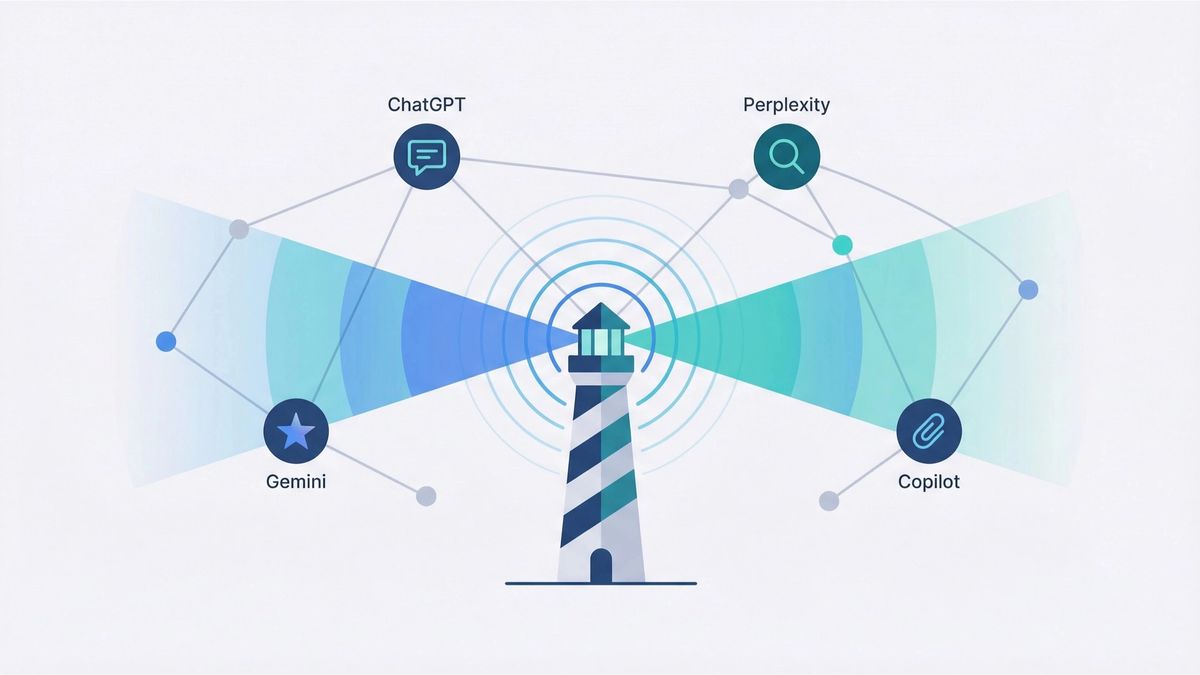
The world of search is undergoing a seismic shift. For years, businesses have relied on traditional SEO to drive traffic and attract customers. But with the rise of AI-powered search engines like ChatGPT, Perplexity, and Google AI Overviews, the old rules no longer apply. Users are increasingly turning to AI for product research and recommendations, and businesses that fail to adapt are already feeling the consequences.
Many companies have experienced a significant drop in clicks and an increase in zero-click searches, as users get their answers directly from AI-generated summaries. This new reality requires a new approach: Answer Engine Optimization (AEO). But before you can optimize, you need to measure. This article will show you exactly how to measure your AI visibility and take control of your brand’s presence in the new world of search.
Method 1: Use Google Analytics to Track AI-Sourced Traffic
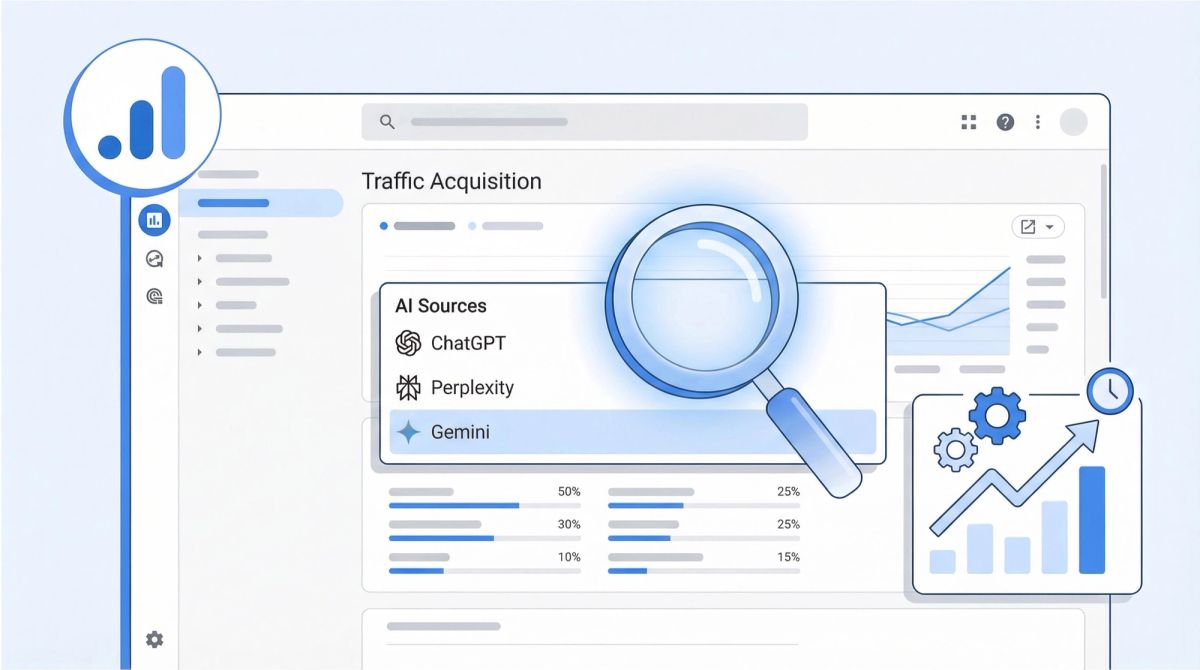
One of the most direct ways to measure your AI visibility is to track how much traffic you’re getting from AI-powered search engines. You can do this by creating a custom filter in Google Analytics to isolate traffic from known AI sources. While this method isn’t perfect (it won’t capture all AI-sourced traffic and relies on referral data), it’s a great starting point for understanding how much of your traffic is coming from AI-powered search.
For a full comparison of platforms built for this, the best AI monitoring tools for marketing teams breaks down 20 options by use case, features, and pricing.
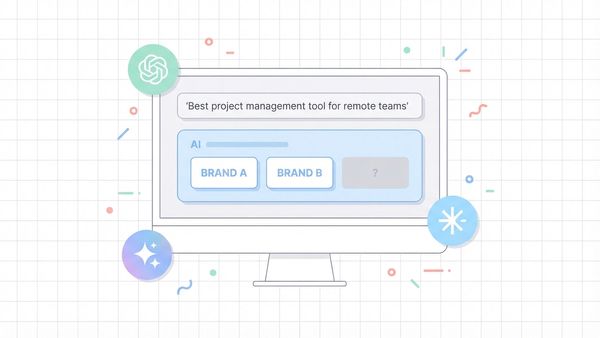
Once you have this filter in place, you can start to analyze the data to identify trends. Look for patterns in which AI sources are sending you the most traffic, and which pages on your site are receiving that traffic. This can help you understand which of your content is resonating with AI models and where you should focus your optimization efforts. Correlate traffic spikes with your content marketing efforts to see what’s working.
Here’s how to do it:
- Go to your Google Analytics 4 property.
- Navigate to Reports > Acquisition > Traffic acquisition.
- Click the “Add filter +” button.
- Create a new filter with the following settings:
- Dimension: Session source
- Match type: matches regex
- Value: (google|bing|yahoo|duckduckgo|baidu|yandex|ask|aol|naver|ecosia|wolframalpha|perplexity|chatgpt|copilot|gemini)
Method 2: Use Bing Webmaster Tools’ AI Performance Report

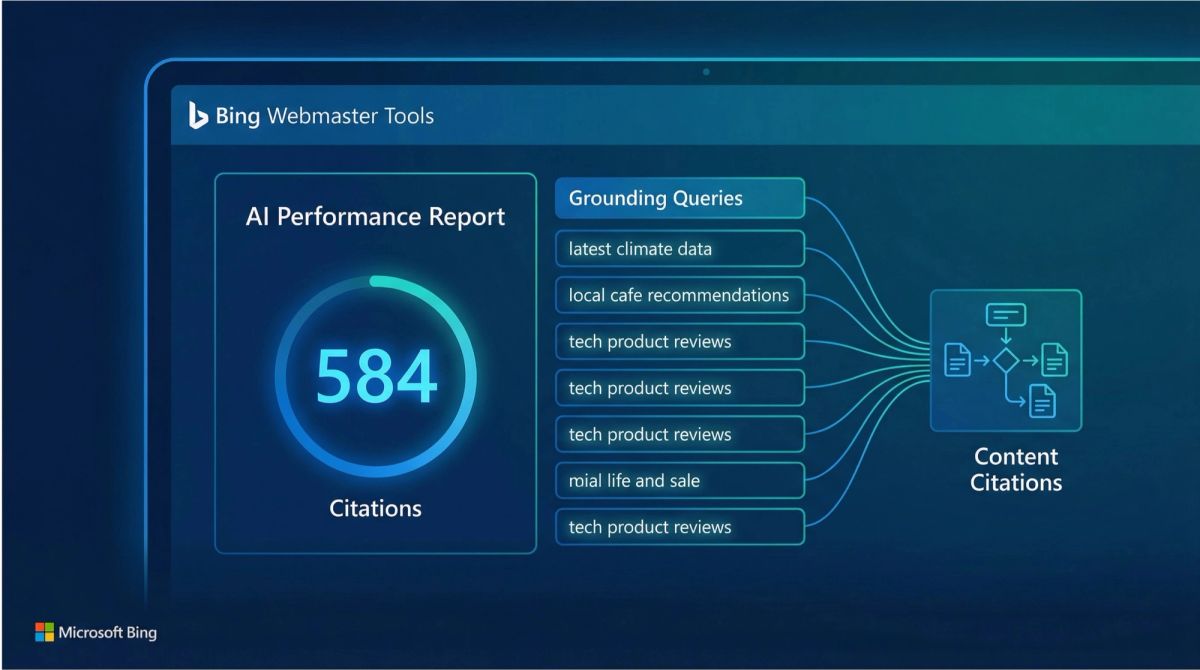
In a groundbreaking move, Microsoft recently launched a new AI Performance report in Bing Webmaster Tools. This is a game-changer for measuring AI visibility, as it provides direct insights into how your content is being used in Microsoft Copilot and other AI-powered experiences.
The strategic implications of this data are enormous. By analyzing your “grounding queries,” you can discover new keyword opportunities and understand the language your audience is using when they interact with AI. The page-level citation data shows you which of your content is considered most authoritative by the AI, giving you a clear roadmap for future content creation. This is no longer just about ranking, it’s about becoming a trusted martech source that AI systems rely on for accurate, high-quality information.
Understanding the specific search queries ChatGPT sends when compiling an answer — known as fan-out queries — is one of the most actionable signals you can track when diagnosing your AI visibility.
The AI Performance report shows you:
- Total Citations: How often your content is cited in AI-generated answers.
- Grounding Queries: The key phrases the AI used when retrieving your content.
- Page-Level Citation Activity: Which of your specific URLs are being cited.
Method 3: Hire an Agency

If you don’t have the time or resources to measure your AI visibility in-house, you can always hire an agency to do it for you. There are a growing number of agencies that specialize in AEO and can provide you with detailed reports and actionable insights. The process typically involves an initial audit of your current AI visibility, followed by the setup of ongoing tracking and regular reporting. The agency will analyze the data, identify opportunities for improvement, and provide strategic recommendations to help you increase your presence in AI-generated answers.
When evaluating agencies, look for those with a clear methodology for AEO. Ask for case studies and examples of how they’ve helped other clients improve their AI visibility. A good AEO agency will not only provide you with data but will also help you understand what it means and how to act on it. They should be a strategic partner in your AEO efforts, not just a data provider.
Some of the top agencies in this space include:
Method 4: Talk to Your Clients and Leads

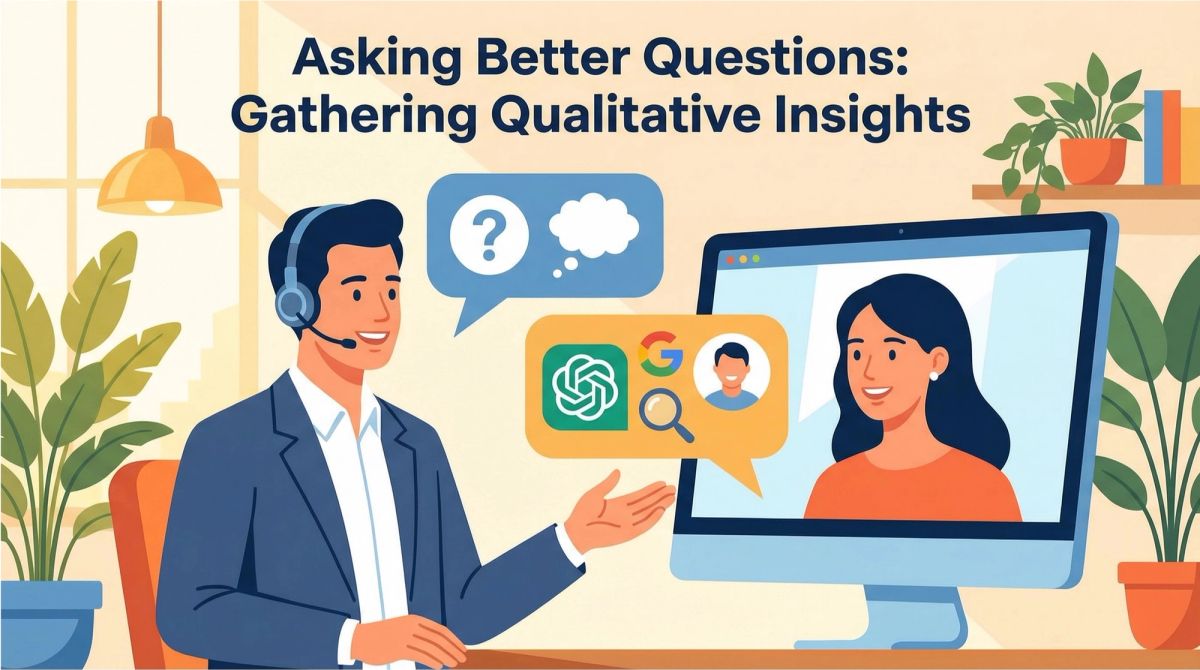
While quantitative data is essential, don’t underestimate the power of qualitative feedback. One of the most effective ways to understand your AI visibility is to simply ask your clients and leads how they found you. During sales calls, in customer surveys, or as part of your onboarding process, make it a point to ask questions like:
- “How did you first hear about us?”
- “What search terms did you use to find us?”
- “Did you use an AI search engine like ChatGPT or Perplexity to research solutions like ours?”
If they say they found you through an AI model, dig deeper. Ask them what specific questions they asked the AI to find you. This qualitative data is gold. It gives you direct insight into the language your customers are using and the problems they’re trying to solve. You can then use this information to create highly targeted content that answers those specific questions, increasing your chances of being cited in future AI-generated answers.
Method 5: Use a Dedicated AI Visibility Tool
For the most comprehensive and accurate measurement of your AI visibility, you’ll want to use a dedicated AI visibility tool. These platforms are designed specifically for AEO and provide a level of detail that you can’t get from Google Analytics or Bing Webmaster Tools alone.
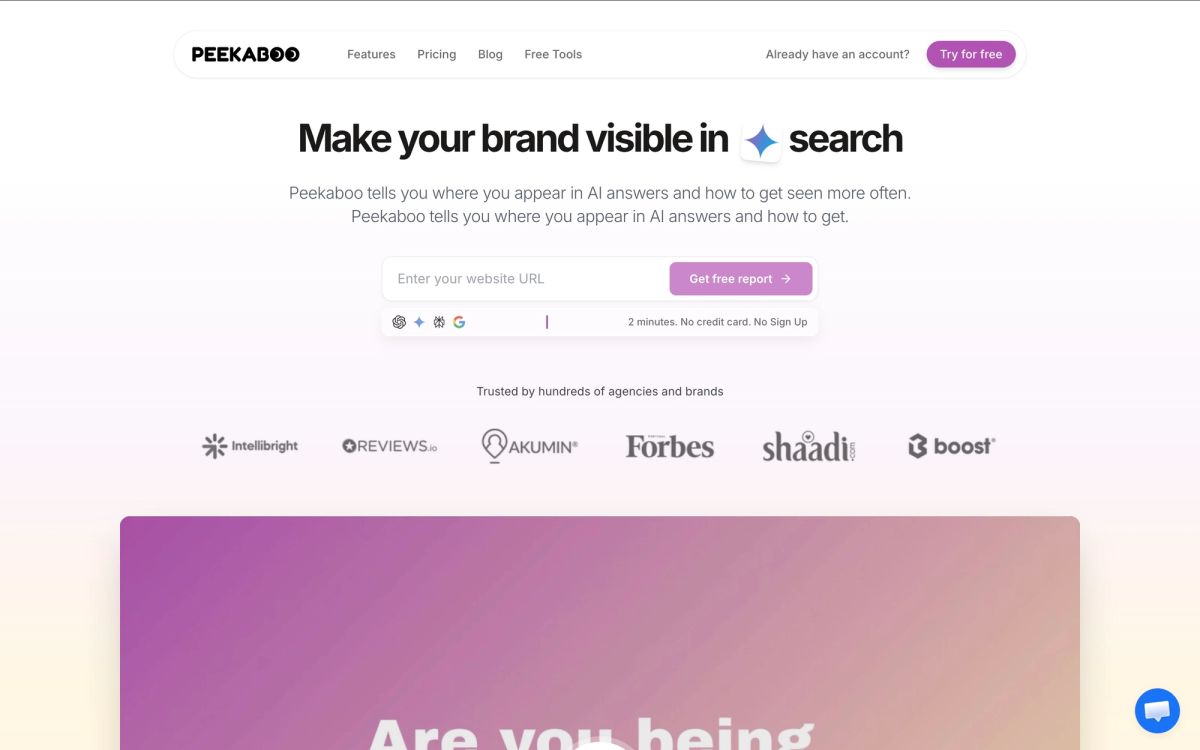
AI Peekaboo

AI Peekaboo is an AI visibility platform that tracks your brand’s presence across multiple AI models. It provides detailed analytics on where you’re being cited, how you compare to competitors, and what content gaps you need to fill. Its white-label AI monitoring for agencies and API access make it a strong choice for agencies that want to offer AEO services to their clients.
- Best For: Agencies and brands starting their GEO journey.
- AI Models Tracked: Google AI Overviews, ChatGPT, Perplexity, Gemini, and Copilot.
- Pricing: Starts at $50/month.
- Free Report: You can generate a free AI visibility report to see where you stand.
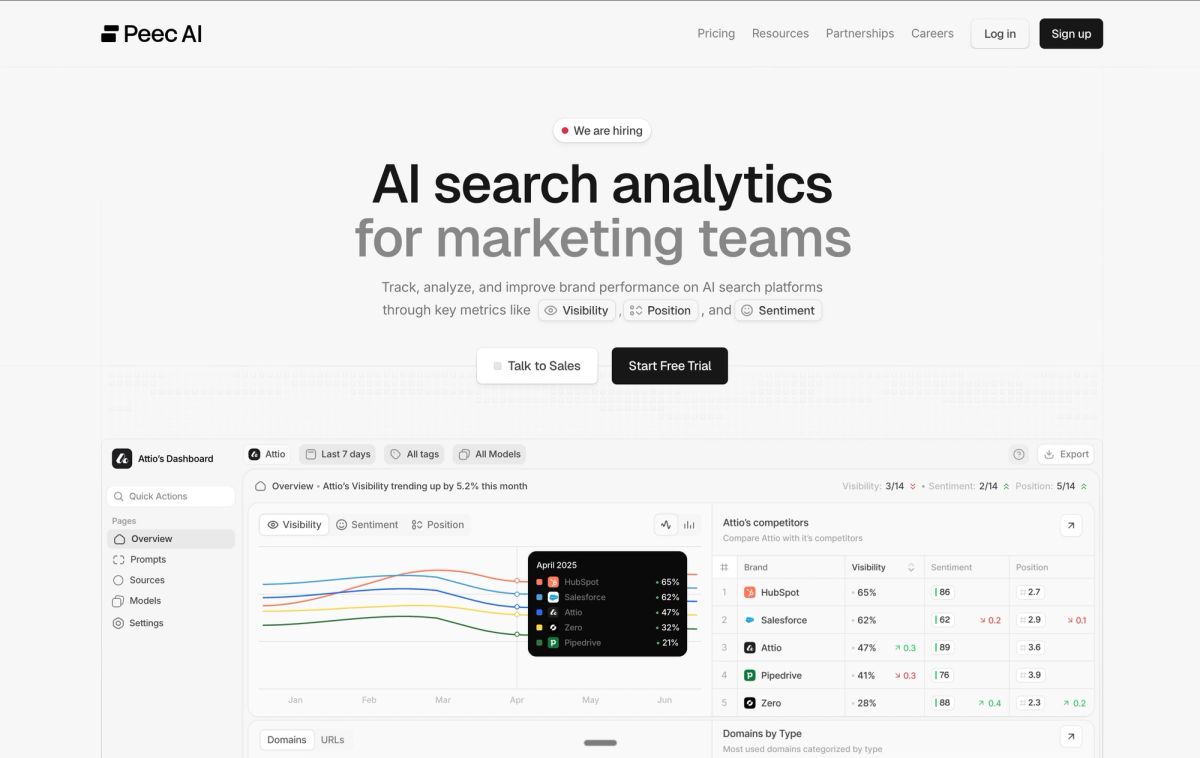
Peec AI

Peec AI is a user-friendly platform that helps marketing teams monitor their brand’s visibility in AI search. It tracks rankings, brand mentions, impressions, and sentiment, and allows you to create powerful reports to share with stakeholders. It’s a great option for in-house marketing teams that need an easy-to-use tool for tracking their AEO performance.
- Best For: Marketing teams.
- AI Models Tracked: Google AI Overviews, ChatGPT, and Perplexity.
- Pricing: Brands from €85/month (Starter). Agencies from €205/month. Includes Actions (beta) for GEO recommendations.
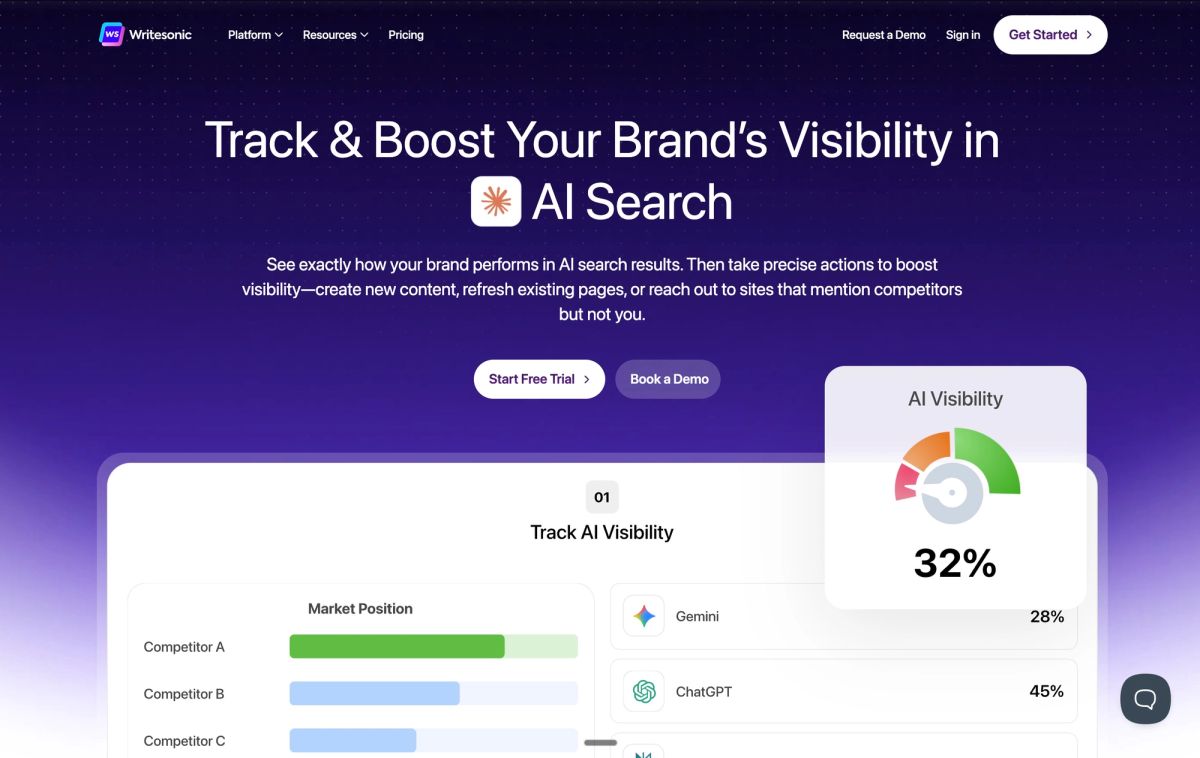
Writesonic

Writesonic combines AI visibility tracking with content creation and optimization tools. It tracks real AI searches from a large dataset and provides insights to help you create content that is more likely to be cited in AI-generated answers. It’s a good choice for brands that want an all-in-one solution for both tracking and taking action on their AI visibility.
- Best For: Brands that want to track and take action.
- AI Models Tracked: Primarily focuses on Google AI Overviews and ChatGPT.
- Pricing: Not publicly listed (free trial available).
What Should Brands Do Now?
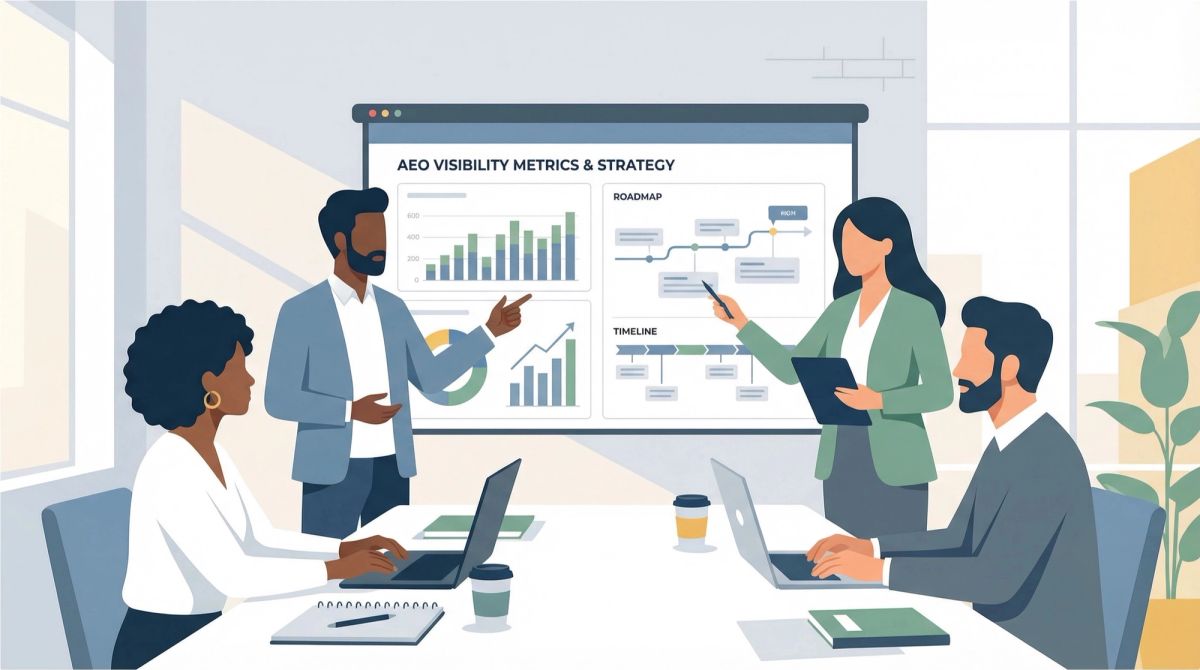
The shift to AI-powered search is happening now, and businesses that want to stay competitive need to start measuring and optimizing their AI visibility today. By using the methods and tools outlined in this article, you can gain a clear understanding of how your brand is perceived by AI and take the necessary steps to improve your visibility and attract new customers.
Don’t wait until your traffic has disappeared. Start measuring your AI visibility today and secure your place in the future of search.
Frequently Asked Questions
1How do I measure AI visibility for free?
Two no-cost methods get you started. Filter Google Analytics 4 traffic by session source using a regex for AI referrers, and check the AI Performance report in Bing Webmaster Tools, which shows total citations, grounding queries, and page-level citation activity.
2Does Google Analytics show AI traffic?
Partly. You can isolate referrals from ChatGPT, Perplexity, Copilot, and Gemini with a custom filter on session source. It will not capture every AI-sourced visit, since many AI answers produce no click at all, but it is a reasonable starting point.
3What is the Bing Webmaster Tools AI Performance report?
A free report showing how your content is used in Microsoft Copilot and other AI experiences. It gives total citations, the grounding queries the AI used to retrieve your content, and which of your specific URLs are being cited.
4Why is measuring AI visibility harder than SEO?
There is no ranking position to track and often no click to attribute. Users get their answer inside the chat interface, so traditional traffic metrics miss the exposure entirely. You have to measure mentions and citations rather than sessions.
5Do I need a dedicated AI visibility tool?
Not to start. Analytics filters and Bing Webmaster Tools cover the basics. A dedicated tool earns its place when you need competitor benchmarking, tracking across several engines, and a repeatable prompt set rather than ad hoc checks.