Filipe Lins Duarte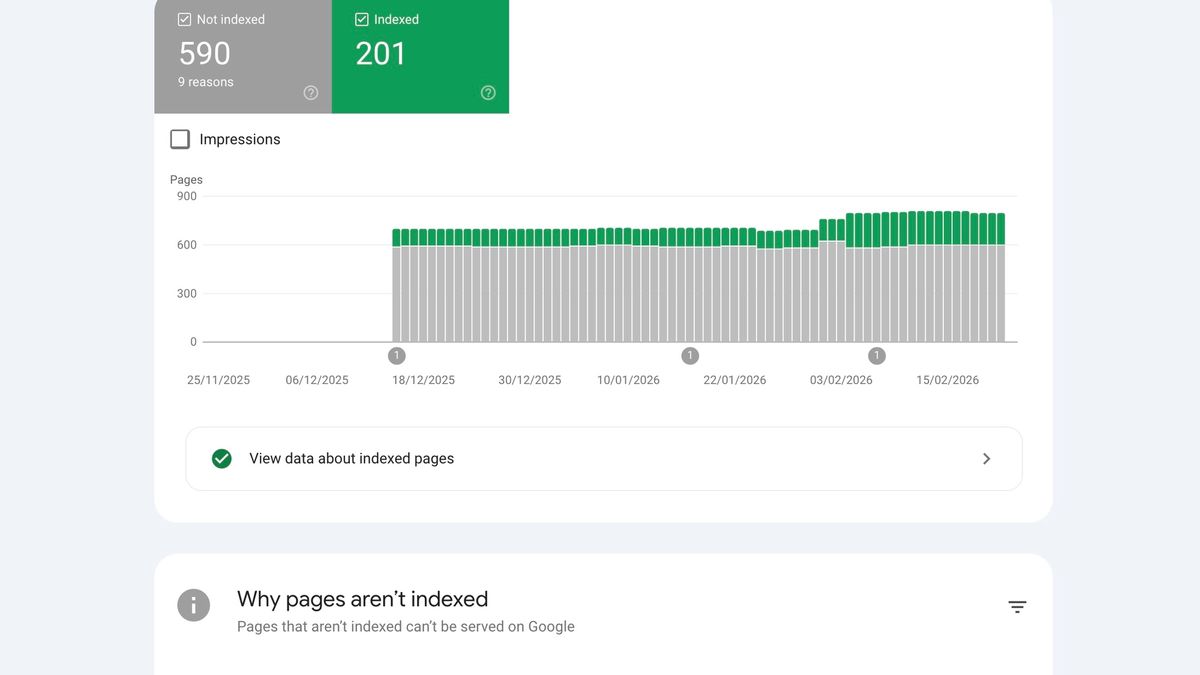
If you’re in SEO, you know the frustration. You publish a new page, submit it to Google, and you get back the same vague message: “Crawled, currently not indexed.” That’s it. No explanation. No reason. You’re left completely in the dark.
Indexing problems generally fall into two categories: technical issues and quality issues. Technical problems, like a robots.txt block or a noindex tag, are usually straightforward to fix. Quality issues are much harder to diagnose. While Google’s John Mueller has confirmed that their algorithms look at “overall website quality,” Google Search Console (GSC) never actually tells you which pages are dragging your site down. This article focuses on how to diagnose those tricky quality-related problems. One of the most common content quality problems is keyword cannibalization, where multiple pages compete for the same topic and quietly split your authority.
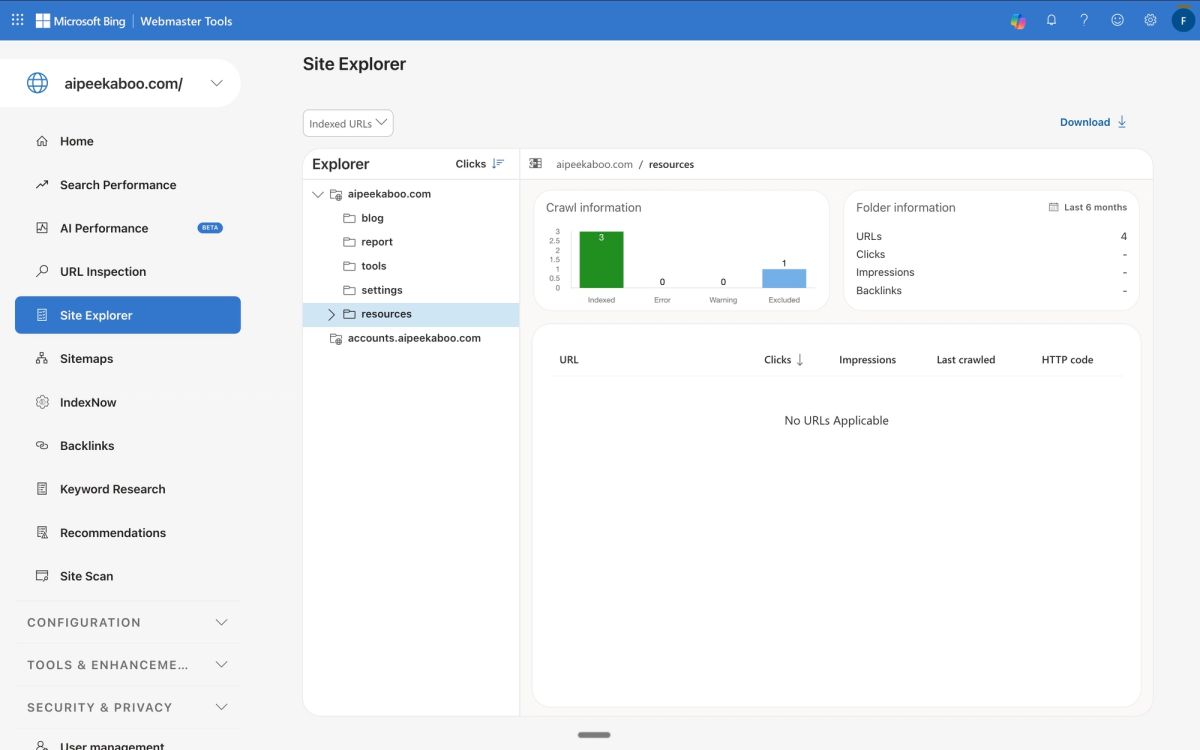
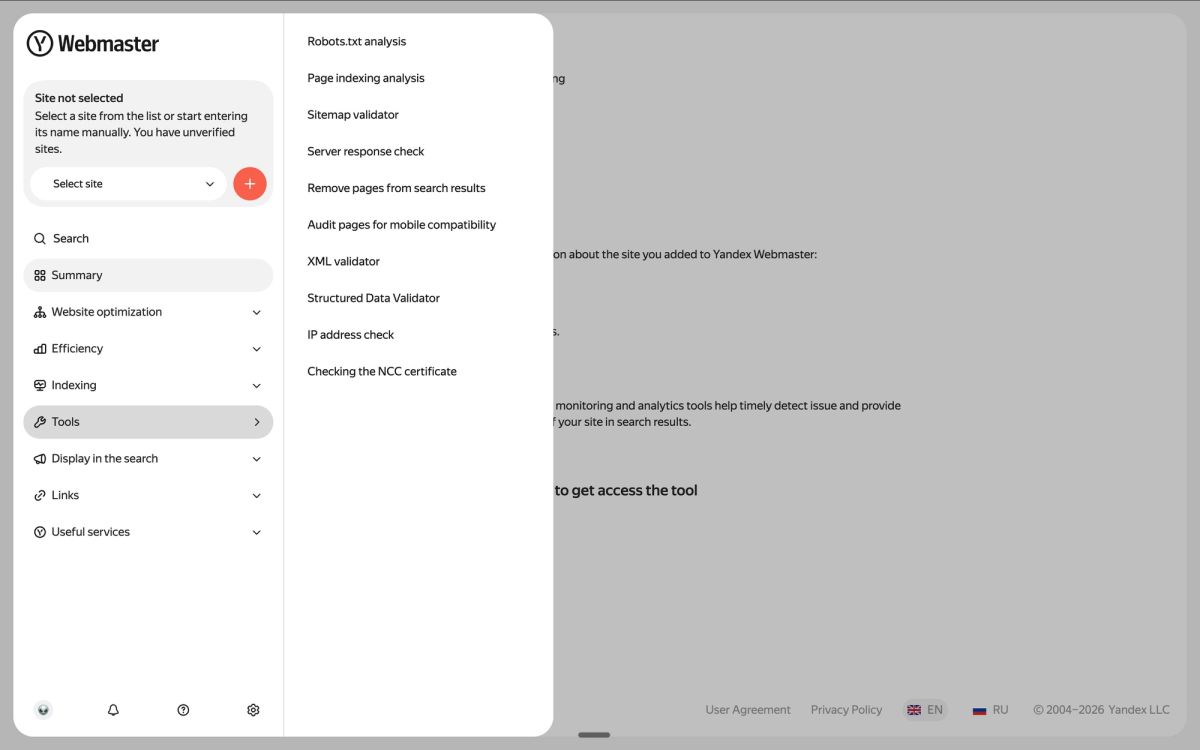
While Google keeps its quality signals locked away, two other major search engines, Bing and Yandex, give you the diagnostic data you need for free. Most SEOs are so focused on Google that they never even think to check them. Here’s how you can use these tools to finally understand why your content isn’t making the cut.
Before You Start: Rule Out the Technical Stuff

Before you dive into a deep quality audit, it’s worth spending five minutes to make sure you don’t have a simple technical issue blocking your pages. There’s no point in analyzing content quality if a single line in your robots.txt file is telling crawlers to stay away. Here’s a quick pre-flight check:
- Check robots.txt: Make sure you don’t have a Disallow rule that is accidentally blocking the URLs you want indexed.